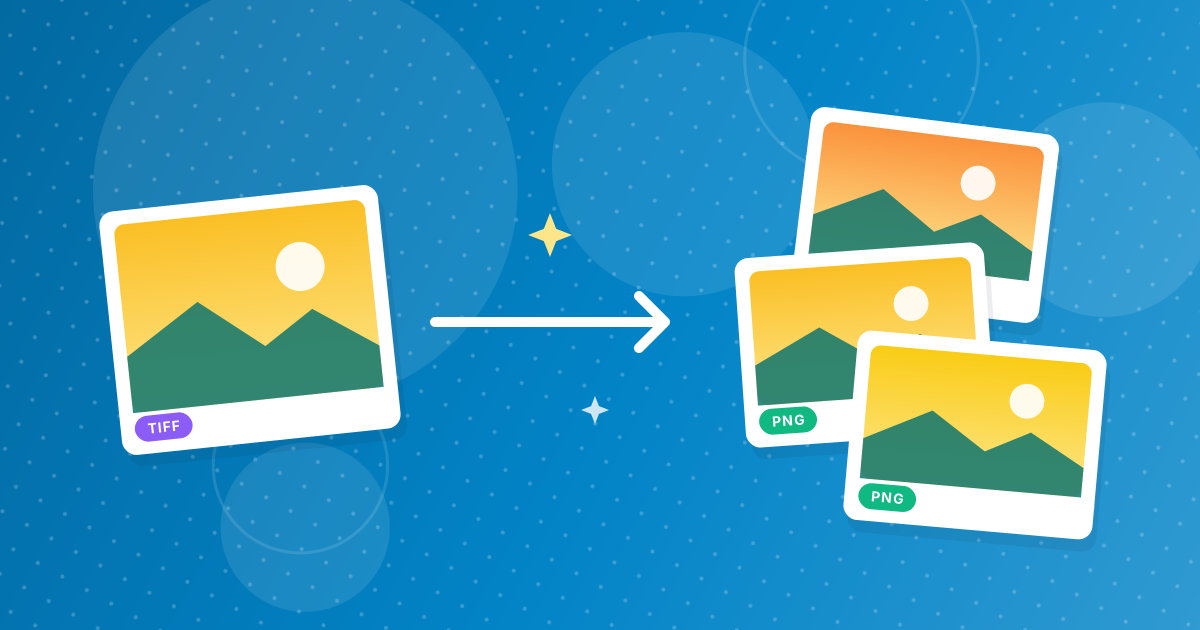
To convert TIFF to PNG, add your .tif or .tiff files to the TIFF to PNG converter and download the PNGs. Every page of a multi-page TIFF becomes its own PNG, saved losslessly, so scans and graphics keep their detail while becoming viewable in any browser.
PNG is the lossless web-friendly alternative to TIFF; JPG is the smaller alternative for photos.
On this page
Key takeaways
- One PNG per TIFF page.
- Lossless 8-bit output: no compression artefacts.
- PNG opens in every browser, unlike TIFF.
- Several outputs download as a ZIP.
Steps shown in the video
- Click Choose TIFF Files and select your TIFF images
- Each file is listed with a preview and its size
- Click Convert to PNG
- Download your PNGs (several come as one ZIP)
How to convert TIFF to PNG in three steps
- 1
Add your TIFF files. Open the TIFF to PNG tool and drag in files.
- 2
Convert. Click Convert; multi-page files produce one PNG per page.
- 3
Download. Save the PNG or the ZIP.
PNG or JPG for TIFF files?
PNG keeps scans of text and line art perfectly sharp and preserves transparency. JPG, via TIFF to JPG, is far smaller for photographs. For the format trade-offs, read TIFF vs PNG.
What doesn't carry over
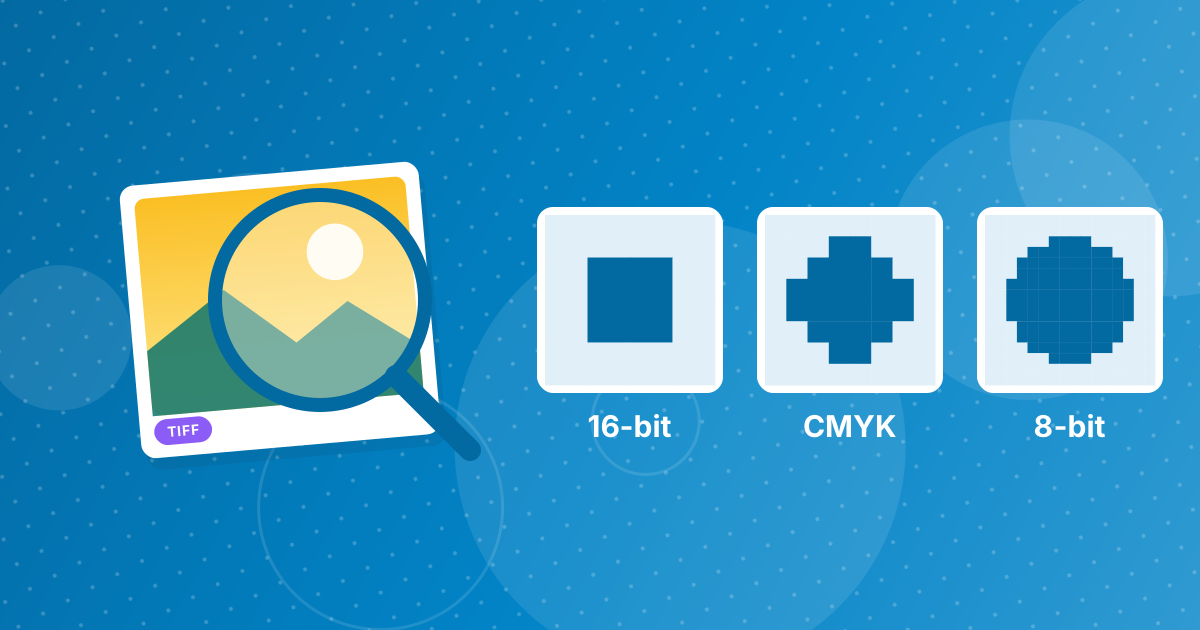
TIFF can store 16-bit colour, CMYK, layers and other extras that a browser converts to standard 8-bit RGB. For everyday viewing that makes no visible difference, but print and archive masters should stay TIFF. Details in what you lose converting TIFF to PNG.
When TIFF to PNG makes sense
- Publishing scanned diagrams, maps or documents on a website.
- Adding scans of text to documentation, where sharp letters matter.
- Viewing TIFF pages in Chrome, Edge or Firefox, which cannot display TIFF.
- Keeping a lossless, widely supported copy of a TIFF for everyday use.
File names for multi-page TIFFs
When a TIFF has several pages, each PNG is numbered after the original file, so a three-page scan becomes three PNGs that sort in page order. Everything downloads as one ZIP. If you would rather keep the pages together in one file, use TIFF to PDF.
PNGs of large scans can be big. For the web, reduce the dimensions with the Image Resizer or make a WebP copy with PNG to WebP.
Is anything lost?
For standard 8-bit RGB TIFFs, nothing: PNG stores the same pixels losslessly. TIFFs with 16-bit colour, CMYK colour or layers are converted to standard 8-bit RGB, which looks the same on screen but matters for print production. The details are in TIFF to PNG: what is kept and what is lost.
TIFF to PNG: FAQ
How do I convert TIFF to PNG?
Add the TIFF to the TIFF to PNG converter, click Convert and download the PNGs.
Can I convert a multi-page TIFF to PNG?
Yes. Each page becomes its own PNG.
Is TIFF to PNG lossless?
The PNG is lossless 8-bit RGB. 16-bit and CMYK TIFFs are converted to 8-bit RGB.
Why is PNG better for scans than JPG?
It keeps text edges perfectly sharp.
Are my files uploaded?
No. Everything happens in your browser.
How are multi-page TIFF files named?
Each page becomes a numbered PNG based on the original file name.
Should I use PNG or JPG for scanned text?
PNG, because it keeps text edges sharp.
Can I convert TIFF to PNG on my phone?
Yes, in a mobile browser. Multi-page files give one PNG per page in a ZIP.
Is PNG smaller than TIFF?
Usually, especially compared with uncompressed TIFF.
Can I convert a TIFF with transparency?
Yes. When a TIFF contains an alpha channel, the transparent areas carry over to the PNG, because PNG supports full transparency. That makes TIFF to PNG suitable for cut-out product images and graphics prepared in professional design software.
Lossless and viewable
TIFF to PNG keeps scans crisp while making them open anywhere. Keep the TIFF as the master for print.