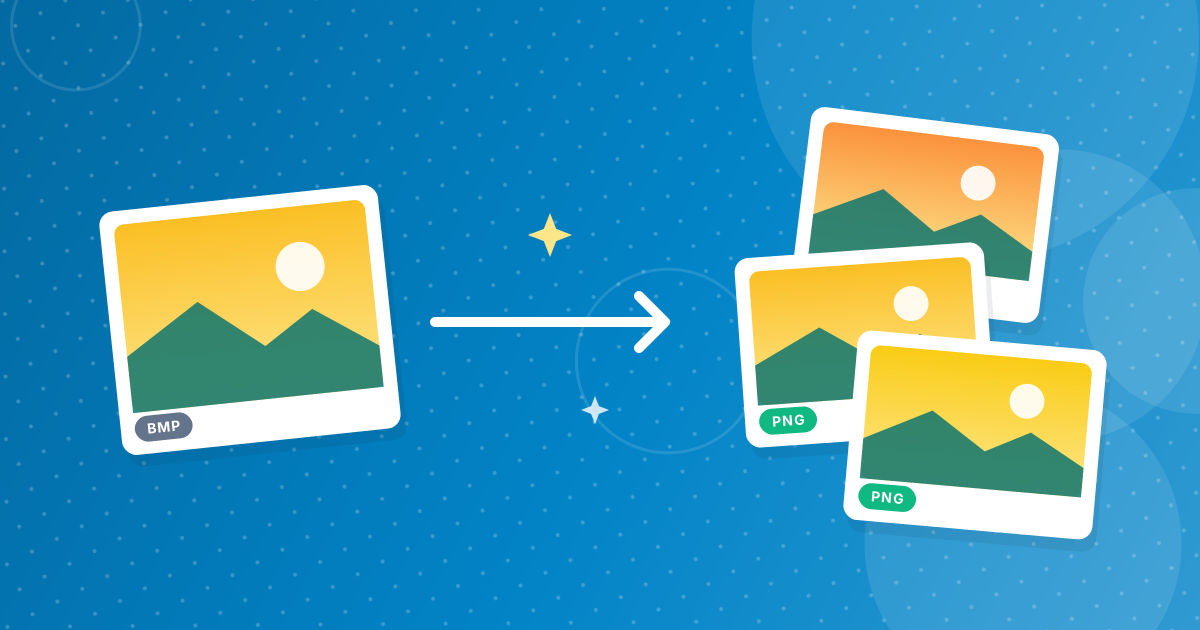
To convert BMP to PNG, add your .bmp files to the BMP to PNG converter and download the PNGs. PNG is lossless, so every pixel is identical to the bitmap, but the file is usually much smaller because PNG compresses the data and BMP typically does not.
That makes PNG the right target for screenshots, diagrams and pixel art stored as BMP.
On this page
Key takeaways
- Lossless: the PNG matches the BMP pixel for pixel.
- Files are typically much smaller, especially screenshots and graphics.
- Dimensions are unchanged.
- Several files download as a ZIP.
Steps shown in the video
- Click Choose BMP Files and select your BMP images
- Each file is listed with a preview and its size
- Click Convert to PNG
- Download your PNGs (several come as one ZIP)
How to convert BMP to PNG in three steps
- 1
Add your BMP files. Open the BMP to PNG tool and drag in bitmaps.
- 2
Convert. Click Convert.
- 3
Download. Save the PNG or the ZIP.
How can it be smaller without losing anything?
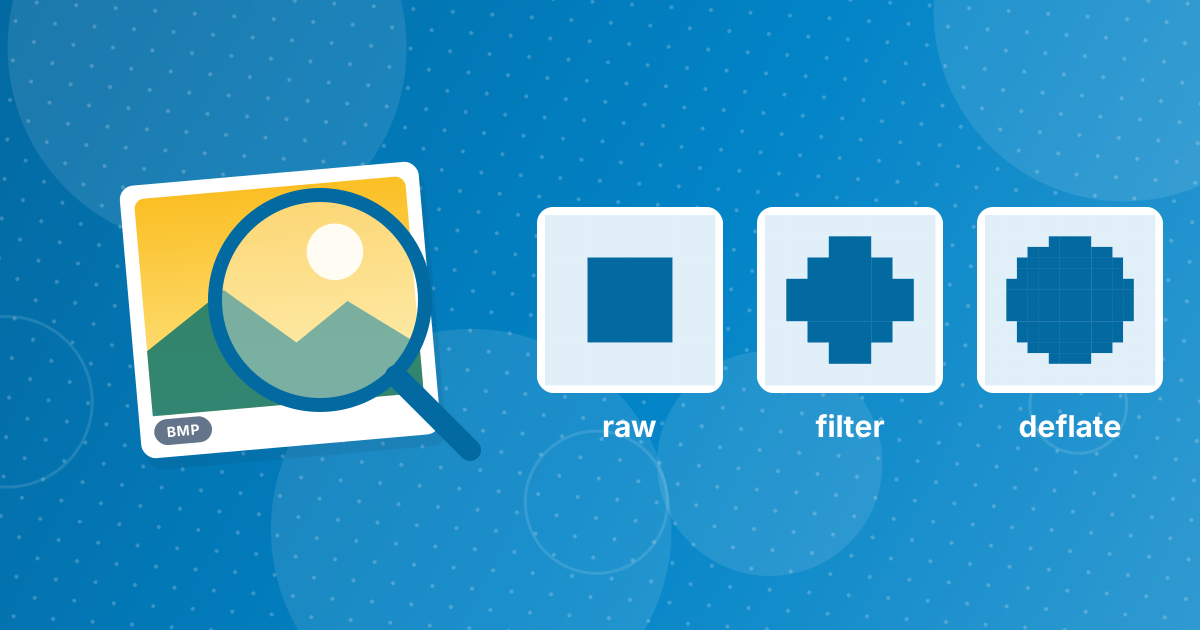
PNG uses lossless compression: it finds repeated patterns in the pixel data and stores them compactly, and decoding restores the exact same pixels. Flat areas in screenshots and diagrams compress extremely well. More on this in BMP to PNG lossless compression explained.
When JPG is the better target
For photographs, BMP to JPG produces much smaller files with only slight, mostly invisible loss. Use PNG for screenshots, graphics and pixel art, where sharp edges matter; see BMP to PNG for pixel art and screenshots.
What about transparency?
Most BMPs are opaque, so the PNG is opaque too. Some 32-bit BMPs contain an alpha channel; when the browser can read it, the transparency carries over to the PNG. Older software often used a solid colour, such as magenta, to mark "transparent" areas; that colour stays as it is and can be removed in an editor afterwards.
Converting an archive of bitmaps
Folders of BMP files from old projects, equipment exports or Paint drawings convert in one go: add them all and download a ZIP of PNGs with the same names. Because the conversion is lossless, you can safely replace the BMPs with the PNGs and free a lot of disk space, as long as no program specifically needs BMP.
For sprites and screenshots, see BMP to PNG for pixel art and screenshots.
Using the PNGs on the web
Websites and upload forms rarely accept BMP, but every site accepts PNG. For pages where speed matters, make a lighter copy with PNG to WebP. Keep the PNG as your master, because it is lossless and opens in every editor.
BMP to PNG: FAQ
How do I convert BMP to PNG?
Add the BMP files to the BMP to PNG converter, click Convert and download the PNGs.
Is BMP to PNG lossless?
Yes. The pixels are identical.
Why is the PNG smaller?
PNG compresses the pixel data losslessly; most BMPs are uncompressed.
Should I use PNG or JPG for photos?
JPG gives smaller photo files; PNG is best for graphics and screenshots.
Are my files uploaded?
No. Conversion runs in your browser.
Can I delete the BMPs after converting?
Yes, if no program needs BMP specifically. The PNGs contain identical pixels.
Does PNG support transparency from 32-bit BMPs?
Yes, when the alpha channel can be read by the browser.
Is PNG supported everywhere?
Yes, by every browser, operating system and image editor.
Can I convert BMP to PNG on a phone?
Yes, in a mobile browser.
Why would anyone still use BMP?
Mainly because older software, industrial equipment or embedded devices only read BMP. For everything else, PNG is the better format: it keeps the same pixels in a much smaller file and opens in every browser, editor and operating system without special support.
Same image, less space
BMP to PNG is the rare conversion with no downside: identical pixels, smaller file, wider support.