
How-to3 min read
How to Convert JPG to PDF (One Photo or Many)
Combine one or many JPG photos into a single PDF, in the order you choose, without uploading anything.
Read articleor drop files here
JPG · JPEG · PNG · WebP
Upload one or more images, set your page options and download a perfectly formatted PDF — instantly, privately and for free.
Find the perfect online tool to combine PDF files, compress documents, and handle your daily workflow effortlessly.
All your PDF needs in one place
Edit and optimize your images
Work with Word documents
Process Excel spreadsheets
Convert your images to PDF in four easy steps — all inside your browser.
Drag & drop your JPG, PNG or WebP files onto the page, or click to browse. Add as many images as you need.
Reorder images using the up / down arrows to set the page sequence. Choose page size, orientation and margins.
Click 'Convert to PDF'. The conversion happens entirely in your browser — no upload to a server required.
Hit 'Download PDF' and save your new file immediately. Your images are never stored on our servers.
Powerful JPG-to-PDF conversion with zero compromise on quality, privacy, or speed.
Combine any number of JPG, PNG, or WebP images into a single, neatly organised PDF document.
All processing happens locally in your browser. Your images are never uploaded to any server.
Client-side conversion means no waiting for uploads or server queues — results in under a second.
Fully responsive — use it on desktop, tablet or mobile without installing any app or plugin.
Images are embedded at their original resolution. Choose your page size and margins for a professional result.
No watermarks, no sign-up, no paywalls. Convert unlimited images to PDF at zero cost, forever.
From the blog
Step-by-step how-tos, settings explained, comparisons and fixes to help you get better results.
Combine one or many JPG photos into a single PDF, in the order you choose, without uploading anything.
Read article
Fixes for the four most common JPG to PDF complaints.
Read article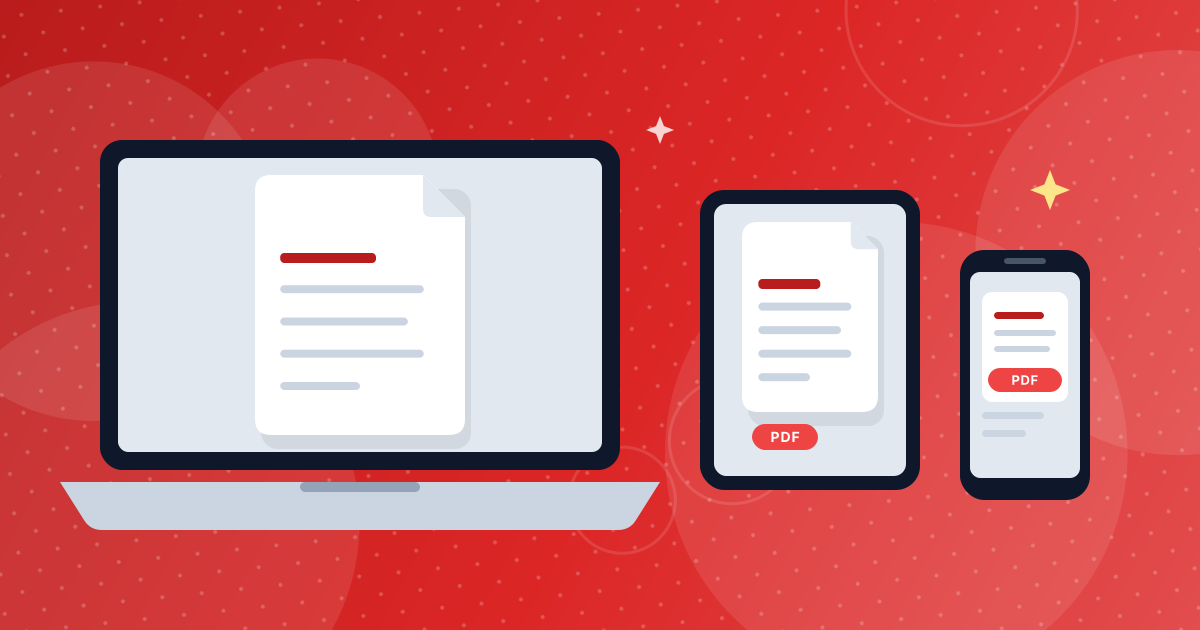
A short workflow for turning paper pages into a readable, reasonably small PDF with just a phone.
Read articleEverything you need to know about converting images to PDF.
Our tool supports JPG / JPEG, PNG, and WebP images. You can mix different formats in the same conversion — the tool will handle them all seamlessly.
Yes! Upload as many images as you like. Each image becomes a separate page in the final PDF. Use the up/down arrows in the file list to set the page order before converting.
Absolutely. Images are embedded at their original resolution. You can also choose the page size and margin settings to ensure the best fit on each page.
No. All conversion happens entirely inside your browser using JavaScript. Your files never leave your device — not even a single byte is sent to our servers. Your privacy is completely protected.
There are no artificial limits. The only practical constraint is your browser's available memory. Most modern browsers handle dozens of high-resolution images without any issue.
No sign-up, no download, no plugins. Open the page and start converting instantly — completely free.
You can choose A4, A3, Letter, or Legal. You can also set portrait or landscape orientation, and pick from four margin sizes (none, small, medium, or large).
Yes. The tool is fully responsive and works on any modern browser — desktop, tablet, or smartphone — without installing any app.
Explore our other free image editing tools.