
How-to4 min read
How to Convert PDF to PNG Online (Every Page as an Image)
Turn each page of a PDF into a PNG image in three steps, with a choice of resolution and no upload.
Read articleor drop files here
PDF Documents
Turn your PDF pages into high-quality PNG images in seconds. Private, secure, and 100% in-browser.
Get high-quality images from your PDF in less than a minute.
Drag and drop your PDF file or click the button to select it from your device.
Optionally adjust the output resolution (DPI). Higher DPI means Sharper images.
Click 'Convert' and then download each image individually or all at once.
A short walkthrough recorded on this page with sample files, with soft background music. Every step is captioned.
Find the perfect online tool to combine PDF files, compress documents, and handle your daily workflow effortlessly.
All your PDF needs in one place
Edit and optimize your images
Work with Word documents
Process Excel spreadsheets
Extract every page of your PDF as a separate PNG image with zero quality loss.
Each page of your PDF is converted into a separate, high-resolution PNG file automatically.
Your files never leave your computer. All processing happens locally in your browser for total security.
Don't wait for server uploads. Our tool uses your local machine's power to convert files instantly.
Works on any device with a web browser — Windows, Mac, Linux, iOS, or Android.
Export at multiple resolutions (72, 144, 300 DPI) to ensure your images look perfect anywhere.
No hidden costs, no watermarks, and no sign-up needed. Convert as many files as you want.
From the blog
Step-by-step how-tos, settings explained, comparisons and fixes to help you get better results.
Turn each page of a PDF into a PNG image in three steps, with a choice of resolution and no upload.
Read article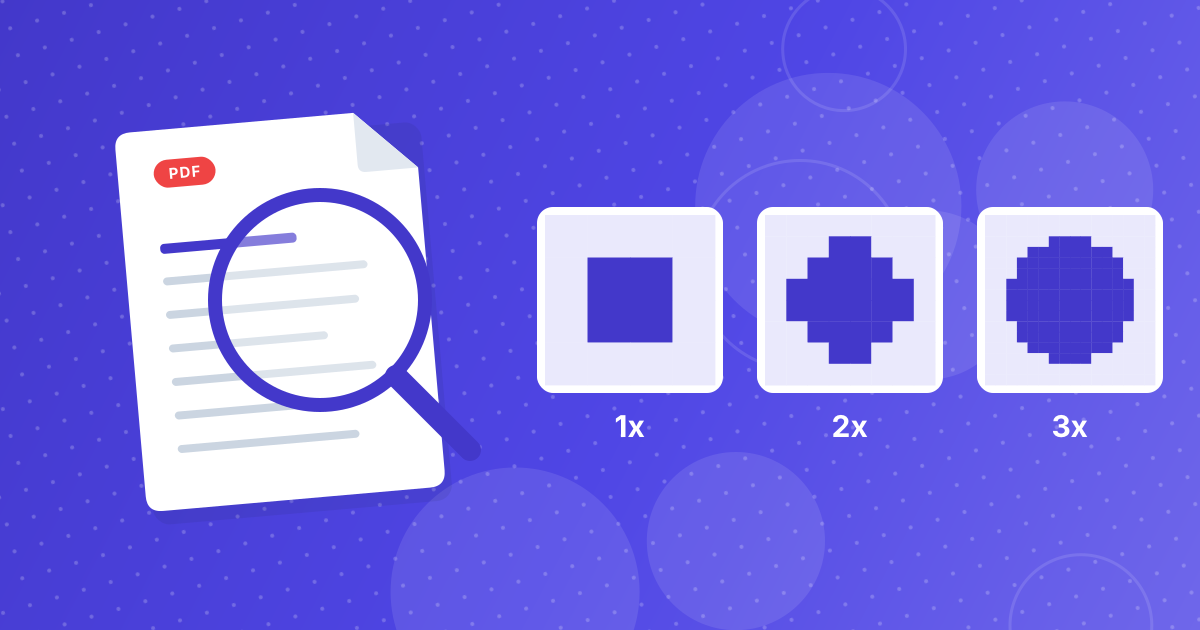
What the resolution options really produce, how big the PNG files get, and which setting fits your job.
Read article
How PDF to PNG saves multi-page files, why a browser might block some downloads, and how to keep the pages together.
Read articleCommon questions about our PDF to PNG extraction tool.
Yes! Our tool extracts the content from your PDF and renders it as a PNG image without adding any compression artifacts. You can choose 300 DPI for professional quality.
Nothing. Your files are never uploaded. The conversion is performed locally in your web browser using JavaScript. No one except you can see your documents.
Absolutely. Each page of your PDF will be rendered as a separate PNG image. You can browse them in the result gallery and download the ones you need.
Yes, our tool is fully responsive and works on any modern mobile browser including Safari on iPhone and Chrome on Android.
Other ways to manage your PDF files.