

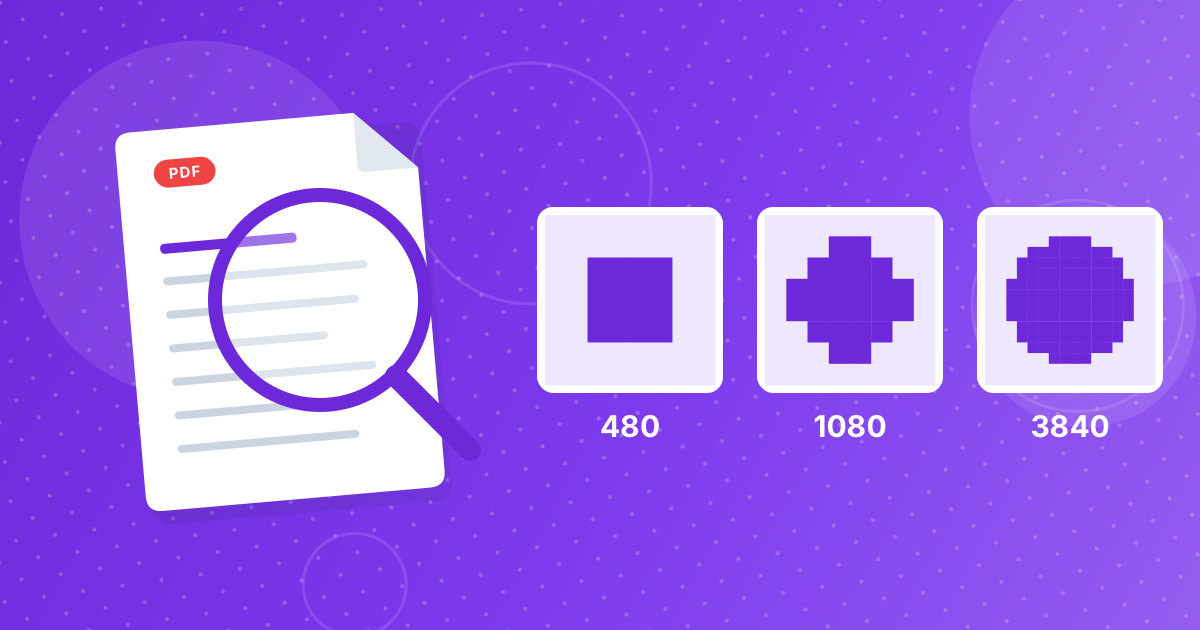
The Resize Image tool offers five presets for the longest side: 480, 720, 1080, 1920 and 3840 pixels. The best one is the smallest size that still looks sharp where the picture will be shown.
This guide matches each preset to common uses.
On this page
Key takeaways
- Larger images cost bandwidth and storage and give no benefit if the screen shows them smaller.
- 1920 pixels suits most full-width pictures on websites, email and slides.
- 1080 pixels is enough for social posts and blog images.
- Use 3840 pixels only for very large displays or when you plan to crop.
The five presets
| Preset | Good for | Notes |
|---|---|---|
| 480 px | Thumbnails, avatars, tiny previews | Smallest files; soft if shown larger |
| 720 px | Forum posts, small blog images, chat | Clear on a phone screen |
| 1080 px | Social posts, blog content images | Sharp on most phones and laptops |
| 1920 px | Full-width web images, email photos, slides | Sharp on a full-HD screen; default |
| 3840 px | 4K displays, big banners, images you will crop | Large files; use sparingly |
Match the preset to the display
A picture only needs as many pixels as it will occupy on screen. A blog column that is 800 pixels wide needs about 800 pixels, or about 1600 to look crisp on high-density phone screens. If you are not sure, choose the preset above the width you need.
- Phone screens are around 400 CSS pixels wide, but sharper at two or three times that.
- Laptops and desktops commonly show 1366 to 1920 pixels across.
- 4K displays show 3840 pixels across, but few pictures fill the whole width.
File size follows pixels
Going from 3840 to 1920 pixels removes three quarters of the pixels, since both width and height halve. That is why resizing shrinks files so effectively. For a still smaller file, follow with Image Compressor.
Enlarging does not work
The tool never enlarges. A 1200 pixel image resized to 1920 stays 1200 pixels. Stretching a small picture adds blur, not detail, so find a bigger original instead. For the steps, see how to resize an image.
Image sizes: FAQ
What size should images be for a website?
About the width they are displayed at, or up to double that for sharp results on high-density screens. 1920 pixels is a common maximum.
What size is best for email?
1920 pixels on the longest side is plenty; 1080 is smaller and still clear.
Which preset suits social media?
1080 pixels is a safe choice for most feeds.
When should I use 3840 pixels?
For 4K displays, large banners or pictures you plan to crop.
Can I choose an exact width?
No. Only the longest side is set from the presets.
Will smaller images be enlarged?
No.
Does the shape of the picture change?
No. Proportions are kept.
How do I change the shape?
Use Crop Image to set the ratio first.
Is bigger always better for quality?
No. Pixels beyond what the screen shows only add file size. Choose the smallest preset that still looks sharp where the picture will appear.
The smallest size that still looks sharp
Pick the preset for the biggest place the picture will appear, and keep the original for later.
03
Social platforms
Platforms publish recommended dimensions and shapes, and they change from time to time. Check the current guidance for the exact figures. In practice, 1080 pixels on the longest side is a safe size for most feeds, and the shape matters as much as the size. Set the shape first with Crop Image, choosing a ratio such as 1:1 or 9:16, as covered in crop aspect ratios.