To resize an image, open the Resize Image tool, add your pictures, choose the maximum size for the longest side and click resize. The picture keeps its proportions, and images that are already smaller are left at their size.
It runs in your browser, so nothing is uploaded.
On this page
Key takeaways
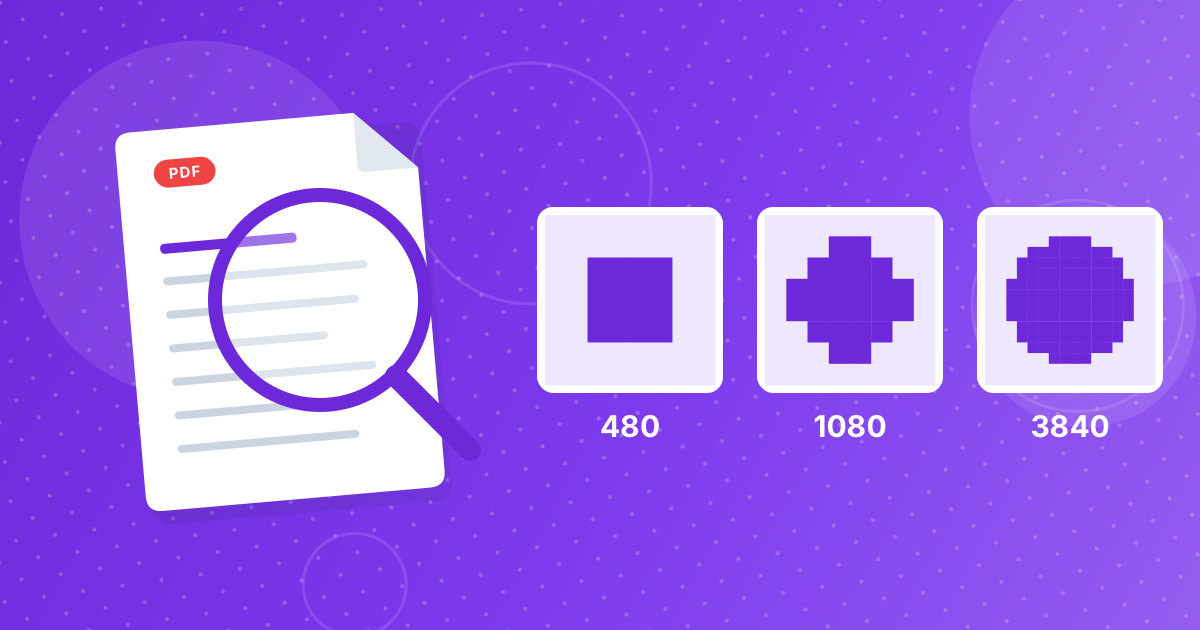
- You choose one number: the largest allowed size of the longest side. The presets are 480, 720, 1080, 1920 and 3840 pixels.
- The other side follows automatically, so images are never stretched.
- Images smaller than the chosen size are not enlarged.
- The default is 1920 pixels.
How to resize an image in three steps
- 1
Add your images. Open Resize Image and drag in your pictures.
- 2
Choose the maximum size. Open the settings panel and click a preset. 1920 is selected by default.
- 3
Resize and download. One picture downloads directly. Several come as a ZIP named resized-images.
How the size is calculated
The longest side of the image is brought down to the number you chose, and the other side shrinks by the same factor. A picture already within the limit stays as it is.
| Original | Result |
|---|---|
| 4000 × 3000 (landscape) | 1920 × 1440 |
| 3000 × 4000 (portrait) | 1440 × 1920 |
| 4000 × 4000 (square) | 1920 × 1920 |
| 1200 × 800 | 1200 × 800, unchanged |
The tool sets the longest side only. To get a particular shape as well, crop to it with Crop Image first, then resize.
Formats and names
PNG stays PNG and WebP stays WebP. JPG stays JPG, saved at 92 percent quality. GIF, BMP and AVIF files are saved as PNG. The file keeps its original name, so if you save it in the same folder your browser may add (1) to avoid overwriting the original.
Which size should you pick?
That depends on where the picture will be shown. The article image sizes for web and social covers each preset. If your goal is a smaller file rather than smaller dimensions, also read resize vs compress vs crop.
When to resize
- A website or form says that images must be no wider than a certain size.
- A photo is too large to email comfortably.
- You want smaller files for a gallery, slideshow or document.
- A design tool or app slows down with very large pictures.
Resizing a whole folder
Drop all the pictures in together. They share the size you picked and download as a ZIP named resized-images. Pictures that are already smaller than the limit are saved at their own size, so a mixed folder comes out with consistent maximum dimensions and no stretched images.
Check the result
Open one resized picture and look at the dimensions in your file manager or image viewer. Compare it with the original to be sure that the shape is unchanged, then check that it is sharp at the size where you will use it.
Resize Image: FAQ
How do I resize an image?
Add it to the Resize Image tool, choose a maximum longest side and click resize.
Can I enter an exact width and height?
No. You choose the longest side from presets, and the other side follows.
Will my picture be stretched?
No. Proportions are kept.
Does it enlarge small images?
No. Images smaller than the chosen size stay as they are.
Is my image uploaded?
No. Resizing happens in your browser.
What formats are accepted?
JPG, PNG, WebP, GIF, BMP and AVIF.
Why does my file have the same name?
The tool keeps the original name. Save it in a different folder or rename it.
Can I resize several images at once?
Yes. They download as a ZIP.
Does resizing reduce file size?
Yes, usually a lot, because there are fewer pixels.
One setting, proportions intact
Pick the longest side, resize and save. Keep the original for later.