BMP stores every pixel uncompressed, so it is exact but very large. JPG compresses images with small, mostly invisible losses, so it is tiny by comparison. Use JPG for photos you share or publish, PNG for graphics that must stay pixel-perfect, and BMP only for software that requires it.
Here is how the formats compare in detail.
On this page
Key takeaways
- BMP is usually uncompressed; JPG uses lossy compression.
- A JPG is typically many times smaller than the same image as BMP.
- BMP keeps every pixel exactly; PNG does too while being much smaller.
- BMP survives mainly in older Windows software and specialised equipment.
Steps shown in the video
- Click Choose BMP Files and select your BMP images
- Each file is listed with a preview and its size
- Click Convert to turn them into JPG files
- Download your JPGs (several come as one ZIP)
BMP vs JPG at a glance
| BMP | JPG | |
|---|---|---|
| Compression | Usually none | Lossy |
| 1920 × 1080 photo | About 6 MB | Typically a few hundred KB |
| Exact pixels | Yes | No, small losses |
| Camera metadata (EXIF) | No | Yes |
| Web and email friendly | No | Yes |
| Typical use | Legacy software, devices | Photos everywhere |
When does BMP still make sense?
- Industrial machines, embedded displays and older programs that only read BMP.
- Very simple software that cannot decode compressed formats.
- Intermediate files in a workflow where speed matters more than size.
When should you use JPG?
- Photos you email, upload or post online.
- Screenshots where a tiny loss of sharpness is acceptable.
- Any situation with size limits.
For screenshots with fine text, logos or pixel art, BMP to PNG keeps every pixel and is still far smaller than BMP.
Converting BMP files
BMP to JPG converts single files or batches in your browser; see how to convert BMP to JPG. For the technical reasons behind BMP's size, read why BMP files are so large.
Why BMP still exists
BMP was created for early Windows, when simple, fast access to pixels mattered more than disk space. Because the format is so simple, it remains easy to read for embedded devices, industrial machines and small programs that cannot include a compression library. That is why you still meet BMP in equipment exports and old software, even though it is rarely the best choice for storing or sharing images.
For everyday use, converting is almost always worthwhile; see how to convert BMP to JPG.
Quick pick
- Photos for sharing: JPG.
- Screenshots and diagrams: PNG.
- Required by old software or equipment: BMP.
- Several images as one document: PDF via BMP to PDF.
BMP vs JPG: FAQ
Is BMP better quality than JPG?
BMP keeps every pixel exactly, while JPG loses a little detail. At high JPG quality the difference is hard to see.
Why are BMP files so big?
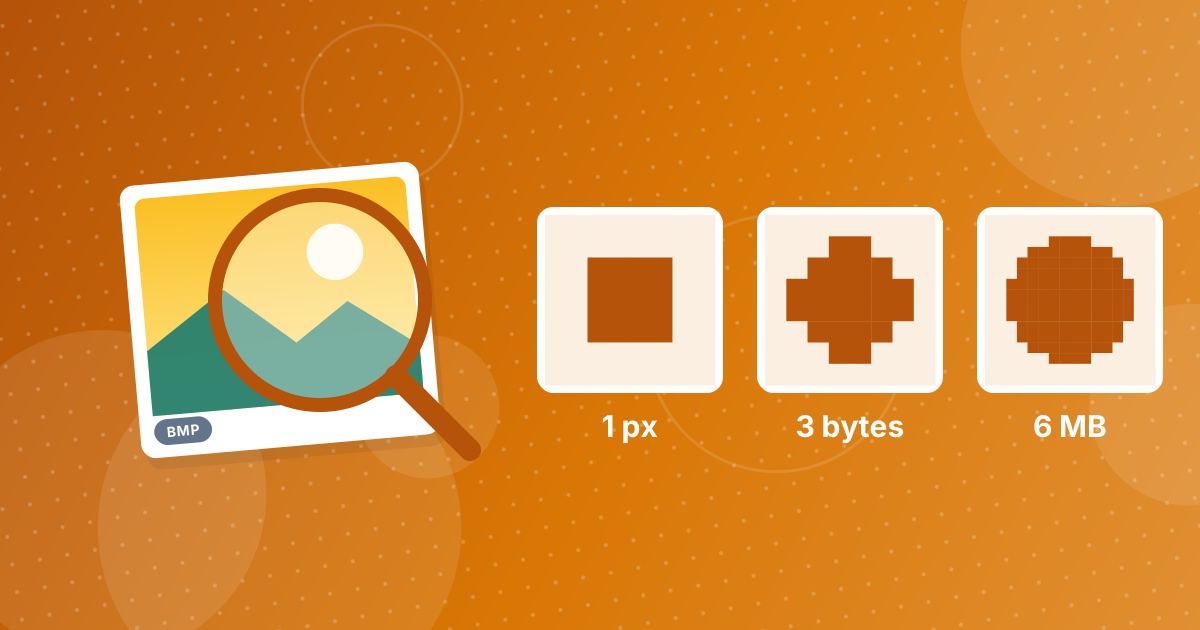
They are usually uncompressed, storing three bytes for every pixel.
Should I save photos as BMP?
No. Use JPG for photos, or PNG if you need lossless quality.
Does BMP support transparency?
32-bit BMPs can store an alpha channel, but support for it is inconsistent across apps.
Can BMP files store EXIF data?
No. BMP has no standard place for camera metadata.
Can every program open BMP files?
Most image viewers and editors can, but websites and upload forms often do not accept them.
Does BMP lose quality when converted to JPG?
Slightly, because JPG is lossy, but at high quality the difference is hard to see.
Is BMP better for printing?
No. A high-quality JPG or PNG prints just as well and is much smaller.
Can I convert JPG back to BMP?
Yes, with an image editor's export function, if old software requires BMP. The BMP will be much larger but will look the same as the JPG, including any compression artefacts the JPG already contains.
JPG for sharing, BMP for legacy
BMP is exact but heavy; JPG is light and universal. Convert BMPs to JPG for everyday use, or to PNG when you need every pixel.