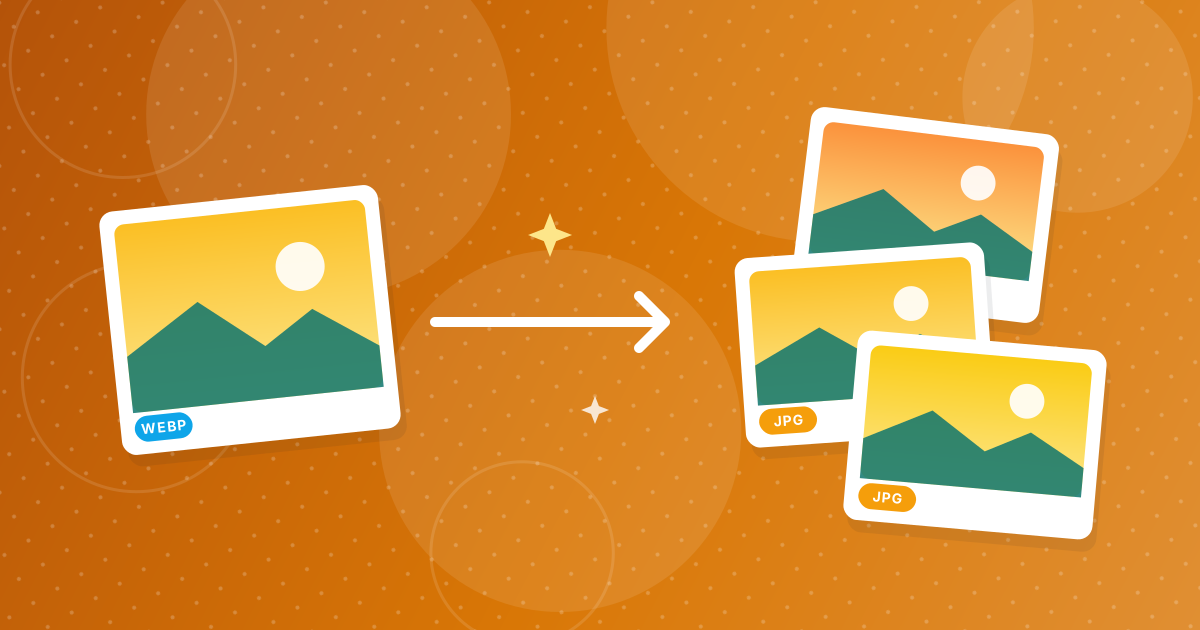
Many websites store images as WebP, because the format gives smaller files and faster pages. When you save such a picture, you get a WebP, even if the page looks like it showed a JPG.
You have three ways out: change how you save, ask the site for another format, or convert the file afterwards, which takes a few seconds.
On this page
Key takeaways
- Websites choose WebP automatically for browsers that support it.
- Saving the image you see usually saves the file the site served, which can be WebP.
- Converting to JPG is the most reliable fix.
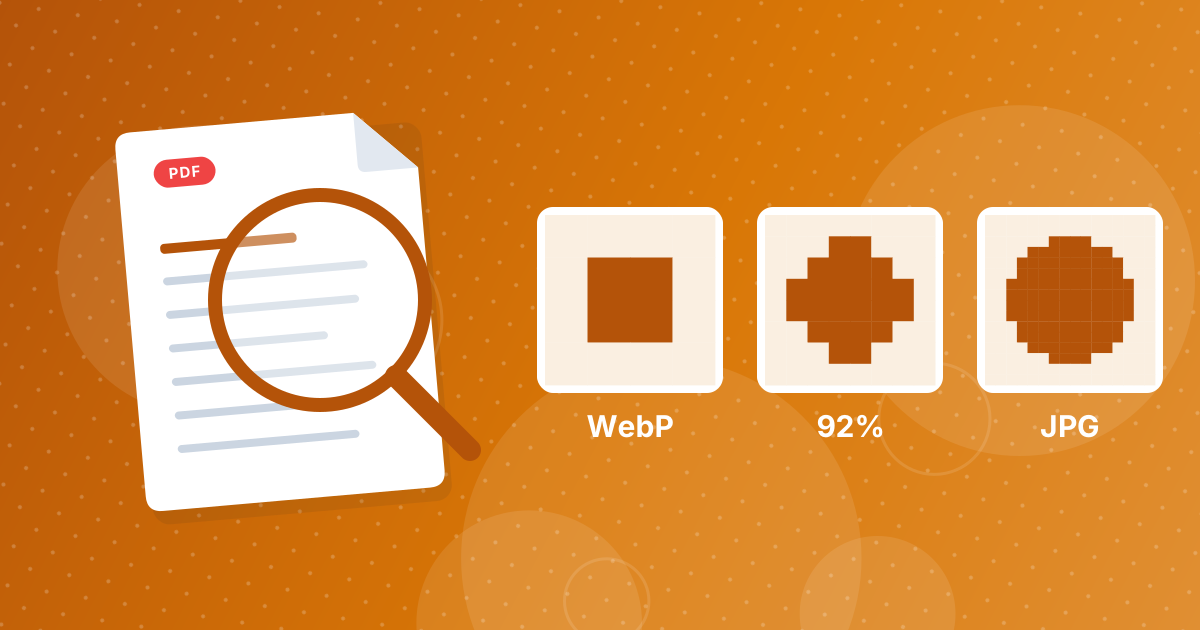
- Quality is hardly affected at 92 percent.
Why you get WebP
A site can keep one master image and let its server or content network deliver the best format for each visitor. Modern browsers say that they accept WebP, so the server sends WebP, and saving the picture saves that file. The page and the file name may still say .jpg, because the extension in the web address does not always match the real format.
Ways to end up with a JPG
| Method | Effort | Result |
|---|---|---|
| Convert with WebP to JPG | Seconds | Clean JPG at 92 percent quality |
| Screenshot the image | Quick | Lower resolution, includes borders |
| Look for a download button | Varies | Sometimes the original format |
| Use a different browser | Unreliable | Most modern browsers get WebP |
Converting is the dependable route. Open WebP to JPG, drop the files in and download the JPGs. The steps are in how to convert WebP to JPG.
Where WebP causes trouble
- Older versions of Windows apps and photo viewers.
- Some upload forms and marketplaces that list accepted types.
- Word processors and slide programs in older versions.
- Print shops and photo kiosks.
For documents, WebP to PDF turns images into a PDF directly. See how to print WebP images for printing.
A note on using other people's images
When to keep WebP
If you publish pictures on a website, WebP is a good format to keep, and JPG to WebP creates it. Convert to JPG only for programs and forms that cannot read WebP.
On phones and tablets
Mobile browsers behave the same way: a long press and Save image stores the format that the site delivered. The converter works in a mobile browser too, so you can pick the saved file from your gallery or Files app, convert it and then share the JPG.
Saving images as WebP: FAQ
Why does my downloaded image have a WebP extension?
The website served the picture as WebP, and your browser saved that file.
Is WebP lower quality than JPG?
Not necessarily. It often gives the same quality in a smaller file.
How can I save an image as JPG directly?
It is not always possible. Convert the WebP to JPG afterwards.
Will converting make the image worse?
Only very slightly at 92 percent quality.
Why won't my WebP open in an old program?
The program does not support the format. Convert it to JPG.
Can I convert many images at once?
Yes. They download as a ZIP.
Does a screenshot work instead?
It works, but reduces quality and may include extra borders.
Is the conversion private?
Yes. It happens in your browser.
Is there a browser setting that always saves JPG?
Not in the standard browser menus. Extensions exist, but converting the saved file is simpler and safer.
Does converting change the license of an image?
No. The rights stay the same as before, so use only images you may use.
Save once, convert in seconds
Accept the WebP the site gives you and convert it when a program needs JPG.