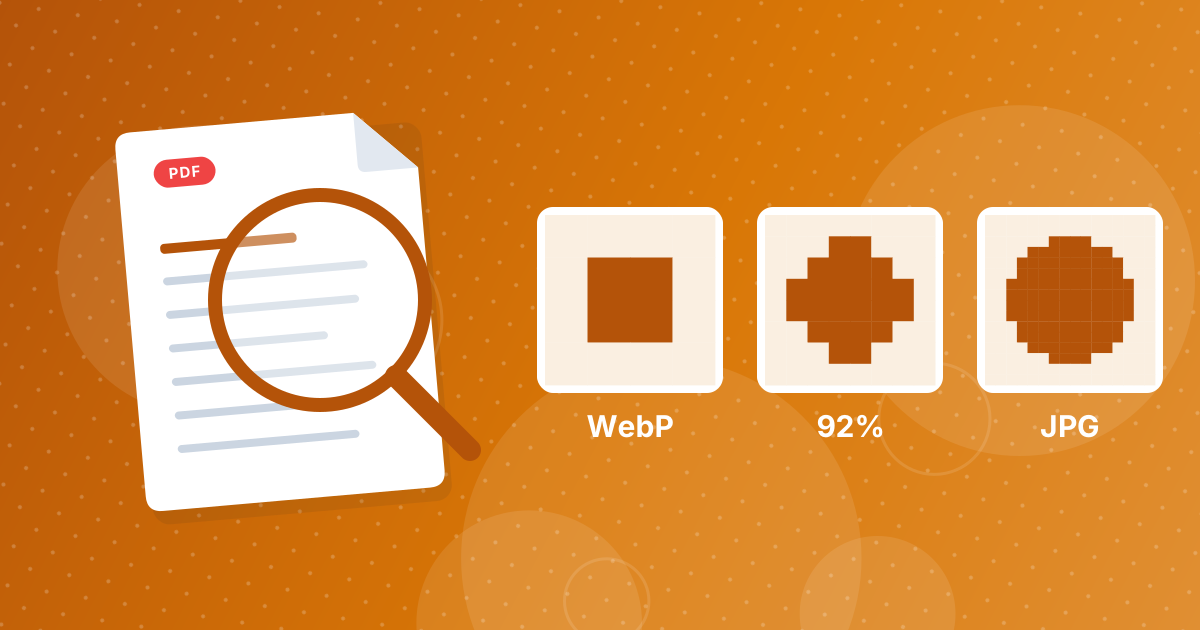
Converting WebP to JPG re-encodes the picture, so some fine detail can change. At the 92 percent quality this tool uses, the difference is invisible for photos at normal size. Transparency and animation, though, cannot be kept.
Here is exactly what changes.
On this page
Key takeaways
- WebP can be lossy or lossless, and JPG is always lossy.
- One conversion at 92 percent quality is rarely visible in photos.
- Transparent areas become white, and animated WebP keeps its first frame only.
- The JPG is usually larger than the WebP.
What happens during conversion
Your browser decodes the WebP into raw pixels. The tool paints a white background, draws the pixels on top and saves the result as a JPG at 92 percent quality. A lossless WebP carries the exact pixels, so the JPG introduces a little new loss. A lossy WebP already lost detail when it was created, and the JPG adds a second round on top.
What is kept and what is not
| WebP feature | In the JPG |
|---|---|
| Pixels and colors | Kept, with minor re-compression |
| Transparency | Replaced by white |
| Animation | First frame only |
| Lossless detail | Slightly simplified |
| Small file size | Usually lost; the JPG is larger |
When you can see the difference
- Screenshots and graphics with text: faint speckles around sharp edges.
- Smooth gradients: slight banding.
- Images converted several times in a row: losses stack up.
Photographs hold up well. If a graphic matters, convert to PNG with WebP to PNG, which keeps every pixel.
Why the file gets bigger
WebP uses a more efficient compression method than JPG, so the same picture usually takes about 25 to 35 percent less space as WebP. Turning it into JPG gives back that space. If size matters, run the JPG through Image Compressor, or keep the WebP for web use.
Good habits
- Convert once, from the original WebP, not from a copy.
- Keep the WebP if you also need transparency or animation.
- Use PNG for graphics and text.
- Check the result at 100 percent zoom for important images.
For the steps, see how to convert WebP to JPG, and for choosing between the two formats for websites, read WebP vs JPG for websites.
A simple way to test it
- Convert one representative image.
- Open the WebP and the JPG side by side at 100 percent zoom.
- Look at edges, text and smooth gradients rather than the whole picture.
- Compare the file sizes. If the JPG looks the same and the size suits you, convert the rest.
Lossless WebP files
Some WebP files are saved in lossless mode, which keeps every pixel. These are the files where conversion to JPG costs the most, because you move from exact pixels to a lossy format. If you need to keep them intact, convert to PNG instead using WebP to PNG.
WebP to JPG quality: FAQ
Does converting WebP to JPG lose quality?
Slightly. JPG is lossy, but at 92 percent the change is rarely visible in photos.
Will the JPG be bigger?
Usually yes, because WebP compresses more efficiently.
What happens to transparency?
It is replaced by white.
What happens to an animated WebP?
Only the first frame is saved.
Which format keeps every pixel?
PNG. Use WebP to PNG for graphics.
Can I undo the conversion?
Keep the original WebP. Converting back does not restore lost detail.
Is converting multiple times bad?
Yes. Each lossy save loses a little more.
Should I convert my website images to JPG?
Usually not. WebP is smaller and widely supported.
Is a lossless WebP better than a JPG?
It keeps every pixel, which a JPG does not. It is also usually larger than a lossy WebP of the same picture.
Should I convert in the other direction for my website?
Often yes. JPG to WebP gives smaller files for the web while the original JPG stays your master copy.
A tiny change for photos, a bigger one for graphics
Convert photos to JPG with confidence, choose PNG for graphics and keep the WebP original.