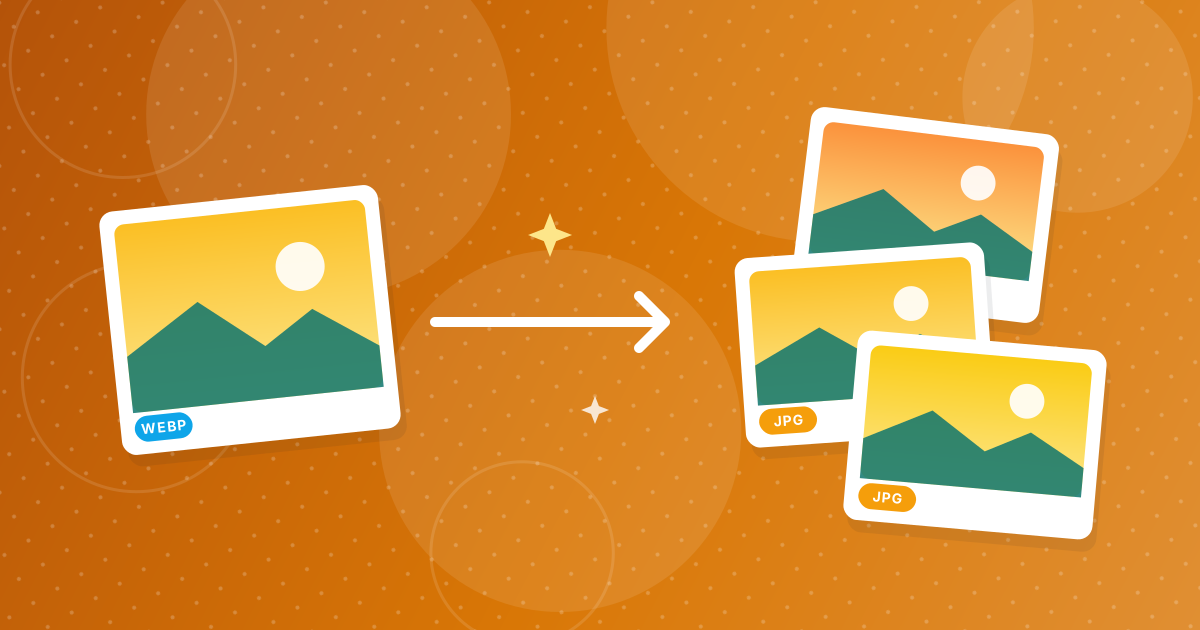
To convert WebP to JPG, open the WebP to JPG converter, add your images and click convert. Each WebP becomes a JPG with the same name that opens in every app, editor and upload form.
The conversion runs in your browser, so your images are not uploaded.
On this page
Key takeaways
- Only WebP files are accepted, and each becomes a JPG.
- JPGs are saved at 92 percent quality.
- Transparent areas become white, because JPG has no transparency.
- Several images come together as a ZIP.
How to convert WebP to JPG in three steps
- 1
Add your WebP files. Open WebP to JPG and drag the images in.
- 2
Convert. Click the button. Each image is drawn onto a white background and saved as JPG.
- 3
Download. Several images are packaged in a ZIP named webp-to-jpg-images.
Why WebP files cause trouble
WebP is a modern image format that websites use to serve smaller pictures. Many older programs, some upload forms, document editors and print services still do not read it. JPG opens everywhere. If you saved a picture from a website and ended up with a WebP, see why images save as WebP.
What to expect from the result
- Quality: saved at 92 percent, visually very close to the source.
- Size: often larger than the WebP, since WebP compresses more efficiently.
- Transparency: replaced by white.
- Animation: an animated WebP becomes a still image of its first frame.
Whether anything is lost in the conversion is explained in does converting WebP to JPG lose quality.
Other targets
Need to keep transparency? Convert to PNG with WebP to PNG. Need a document? WebP to PDF builds one. To go the other way for a website, use JPG to WebP.
Where WebP files come from
Most WebP files arrive from websites. Browsers download whatever format the site serves, and many sites serve WebP to save bandwidth. Designers also export WebP for faster pages, and some phones and apps can save screenshots as WebP. If you simply right-click an image and choose Save, you may end up with one without realizing.
Converting a whole folder
Drop all the WebP files in at once. They are converted in turn and returned in one ZIP named webp-to-jpg-images, with matching names and a .jpg extension. Files that are not WebP are ignored, so check that the list shows everything you added.
Checking the result
- Open a JPG and compare it with the original at 100 percent zoom.
- Look at graphics and text, where artifacts appear first.
- Check that images with transparency now have the white background you expect.
- Keep the original WebP files if you plan to publish them to a website.
WebP to JPG: FAQ
How do I convert WebP to JPG?
Add the WebP to the WebP to JPG tool, click convert and download the JPG.
Does converting reduce quality?
A little, since JPG is lossy, but 92 percent quality looks nearly identical.
What happens to transparent areas?
They become white.
Is my image uploaded?
No. The conversion runs in your browser.
Can I convert several WebP files?
Yes. They download as a ZIP.
What about animated WebP files?
Only the first frame is kept.
Why is the JPG larger than the WebP?
WebP compresses more efficiently than JPG.
Can I get a PNG instead?
Yes, use WebP to PNG to keep transparency.
Why can't I open my WebP file in an older program?
Older software was written before the format was common. A JPG copy opens in practically everything.
Is it safe to delete the WebP after converting?
Keep it if you may need the smaller file or transparency later. Otherwise the JPG is enough.
From WebP to something that opens anywhere
Drop the files in, convert and use the JPGs. Keep the WebP if you also publish to the web.