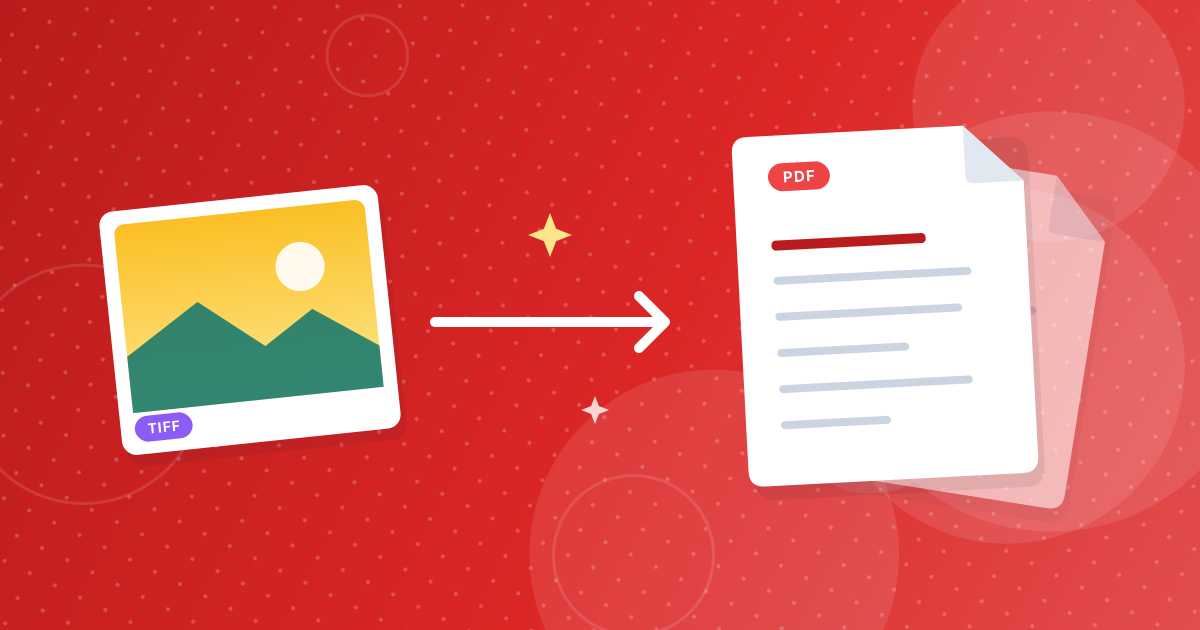
To convert TIFF to PDF, add your .tif or .tiff files to the TIFF to PDF converter and download the PDF. Every page of a multi-page TIFF becomes its own PDF page, and several TIFF files are combined into one document in the order you add them.
TIFF is common for scans, faxes and archives, but few people can open it on a phone or in an email. A PDF opens everywhere. Here is how the conversion works and what to check afterwards.
On this page
Key takeaways
- Multi-page TIFFs are fully supported: each TIFF page becomes one PDF page.
- Several TIFF files are merged into a single PDF.
- Pages are placed on A4 and scaled to fit, keeping their proportions.
- Images are embedded without lossy compression, so scans stay sharp.
Steps shown in the video
- Click Choose TIFF Files and select your TIFF images
- Each file is listed with a preview and its size
- Click Convert to PDF
- Download one PDF with every image
How to convert TIFF to PDF in three steps
- 1
Add your TIFF files. Open the TIFF to PDF tool and drag in .tif or .tiff files from your scanner folder, email or archive.
- 2
Check the order. The PDF follows the order of the file list, and the pages inside each TIFF keep their original order.
- 3
Convert and download. Click Convert. You get one PDF containing every page.
The files are decoded in your browser, which matters for scans of contracts, IDs and medical records: nothing is uploaded.
What happens to multi-page TIFF files?
A TIFF file can hold several images, one per page. Scanners and fax software use this to store a whole document in one file. The converter reads every page and adds each one to the PDF, so a 12-page fax TIFF becomes a 12-page PDF.
| You add | You get |
|---|---|
| One single-page TIFF | A one-page PDF |
| One 8-page TIFF | An 8-page PDF |
| Three TIFFs with 2, 5 and 1 pages | One 8-page PDF, in that order |
How are pages sized?
Each image is placed on a portrait A4 page and scaled to fit, keeping its proportions and centred on the page. A standard A4 or Letter scan fills the page. A wide image, such as a landscape scan, fits the page width with white space above and below.
Quality and file size
TIFF pages are embedded without lossy compression, so text in scans stays as crisp as in the original. The trade-off is size: a PDF of many high-resolution scans can be large. Our guide to why a TIFF to PDF file is large and how to shrink it explains the options, including Compress PDF.
After converting
- Remove blank or duplicate scan pages with Remove Pages.
- Combine the result with other documents using Merge PDF.
- Need images instead of a PDF? TIFF to JPG saves every page as a JPG.
Wondering whether to keep TIFF or PDF for your archive? Read TIFF vs PDF for scanned documents.
Can the PDF be searched?
Not directly. A PDF made from TIFF scans contains images of the pages, so you cannot select or search the text. To get the words, run the pages through text recognition, for example with Image to Text, or keep the TIFFs for an OCR tool. Many scanners can also create searchable PDFs directly if you choose that option when scanning.
TIFF to PDF: frequently asked questions
How do I convert a multi-page TIFF to PDF?
Add the TIFF to the TIFF to PDF converter. Every page in the file becomes a page in the PDF.
Can I combine several TIFF files into one PDF?
Yes. Add them together; they are merged into one PDF in the order of the file list.
Does converting TIFF to PDF reduce quality?
No. Pages are embedded without lossy compression, so scans stay sharp.
What page size does the PDF use?
A4, portrait. Each image is scaled to fit the page and keeps its proportions.
Are my TIFF files uploaded?
No. The conversion runs in your browser.
One PDF, every page
Converting TIFF to PDF turns hard-to-open scans and faxes into a single document anyone can view. Add the files in the right order, convert, and tidy the pages if needed.