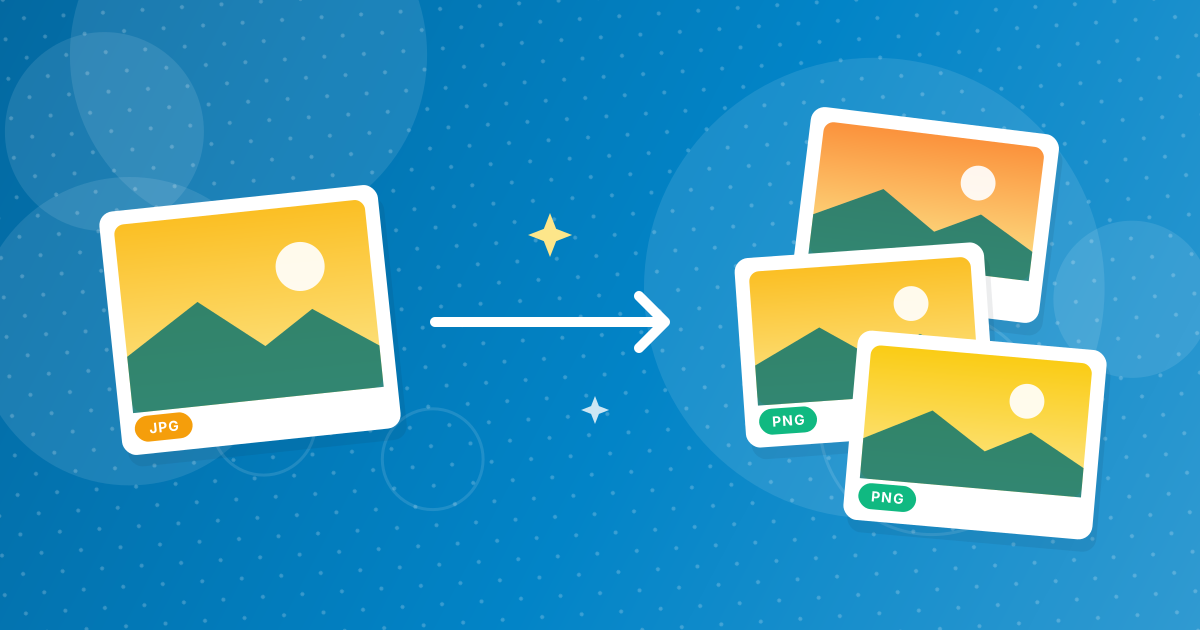
To convert JPG to PNG, open the JPG to PNG converter, add your pictures and click convert. Each JPG is saved as a lossless PNG with the same name.
The conversion happens in your browser. Your images are not uploaded.
On this page
Key takeaways
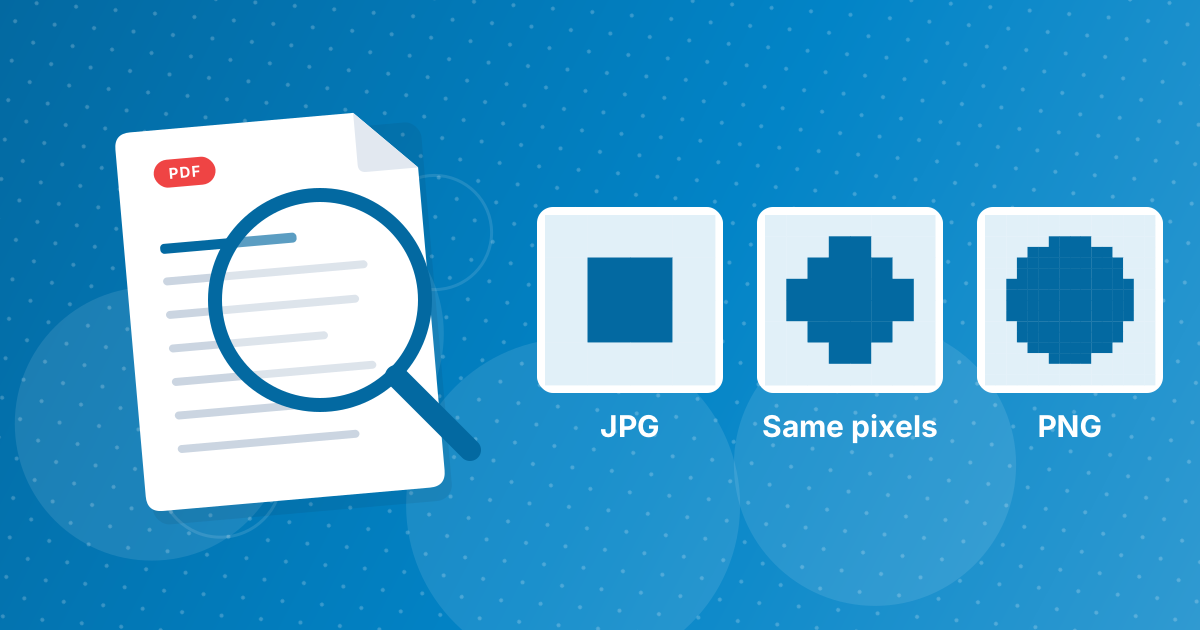
- The PNG keeps exactly the pixels of the JPG; it does not add detail that the JPG lost.
- PNG files are usually larger than the JPG they came from.
- PNG does not degrade when you save it repeatedly, so it is useful as an editing format.
- Several images come together as a ZIP.
How to convert JPG to PNG in three steps
- 1
Add your JPG files. Open JPG to PNG and drag the images in.
- 2
Convert. Click the convert button.
- 3
Download. One image downloads directly. Several come as a ZIP.
Why people convert JPG to PNG
- Editing without further loss. Every save of a JPG loses a bit more detail. A PNG can be saved again and again unchanged.
- A required format. Some tools, plugins and platforms ask for PNG.
- Preparing for transparency. PNG can carry a transparent background once you remove one in an editor. See JPG to PNG with a transparent background.
- Screenshots and graphics that were saved as JPG and you want to keep stable.
What to expect
| Aspect | Result |
|---|---|
| Pixels | Identical to the JPG |
| Quality | Not improved; JPG artifacts are kept |
| File size | Larger, often several times |
| Transparency | None; the PNG is fully opaque |
| Further saves | No additional loss |
The detailed reasons are in does JPG to PNG improve quality.
If the PNG is too big
Shrink dimensions with Resize Image, or switch to a lighter format: PNG to WebP creates a lossless or lossy WebP that is smaller than the PNG. Or simply keep the JPG for sharing.
Converting a whole folder
Select all the JPG files and drop them in together. They are converted one after another and returned as a ZIP, with the same file names and a .png extension. Only JPEG files are accepted by this tool; other formats are ignored.
Checking the result
- Open the PNG and confirm that it looks the same as the JPG.
- Compare file sizes. Expect the PNG to be several times larger.
- Open it in your editor and confirm that it saves without further changes.
- Keep the JPG if you only need a copy for sharing.
When another format is a better fit
If you want the lossless benefits with a smaller file, convert the PNG to WebP afterwards. If the destination only needs a simple picture, the JPG you already have is usually the best choice. Use PNG when an editor, plugin or platform specifically asks for it.
JPG to PNG: FAQ
How do I convert JPG to PNG?
Add the JPG to the JPG to PNG tool, click convert and download the PNG.
Does converting to PNG improve quality?
No. The PNG holds the same pixels as the JPG.
Why is the PNG bigger?
PNG stores pixels without loss, while JPG compresses them aggressively.
Is my image uploaded?
No. Conversion happens in your browser.
Can I convert many images at once?
Yes. They download as a ZIP.
Does the PNG have a transparent background?
No. It is fully opaque.
Is JPG the same as JPEG?
Yes.
What are the files called?
The same name as the JPG with a .png extension.
Why would a program ask for PNG?
PNG is lossless and supports transparency, so some tools and platforms prefer it for graphics and editing.
Will the PNG open on all devices?
Yes. PNG is supported by every browser, phone and image program.
A stable copy for editing
Convert when you need a lossless working file, and keep the JPG for sharing.