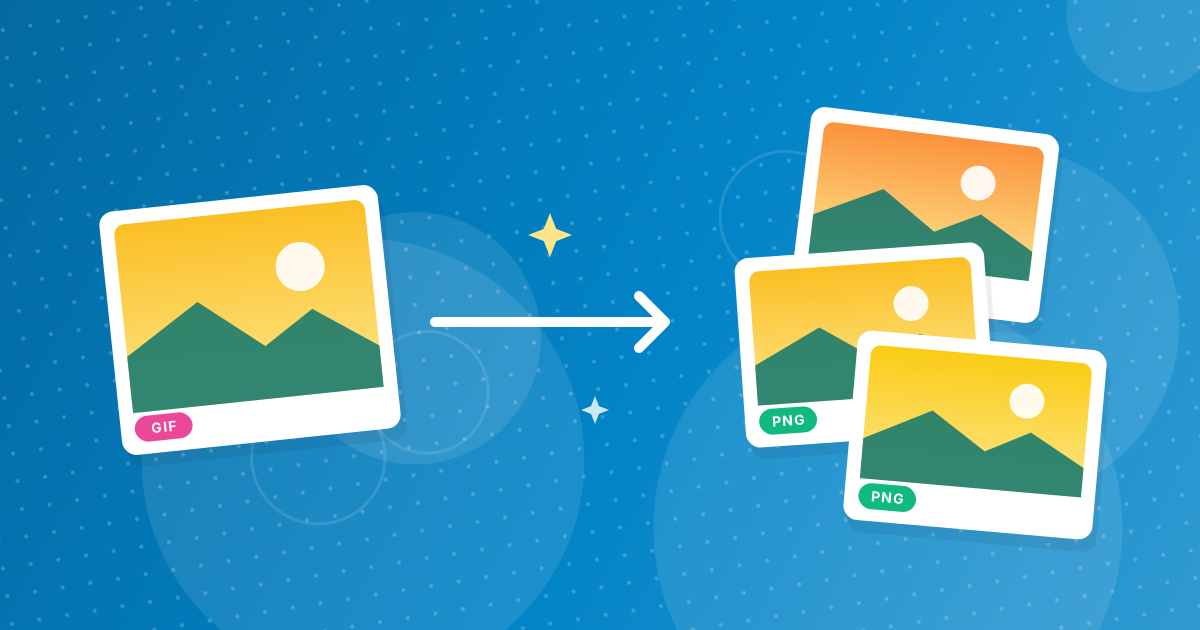
To convert GIF to PNG, add your .gif files to the GIF to PNG converter and download the PNGs. Transparent areas stay transparent and every pixel is kept exactly, because both formats are lossless. Animated GIFs are saved as their first frame.
PNG is the modern replacement for still GIFs: it keeps the same sharp edges and adds smoother transparency and more colours for future edits.
On this page
Key takeaways
- Lossless: the PNG matches the GIF pixel for pixel.
- Transparent backgrounds are kept.
- Animated GIFs contribute their first frame.
- Several files download as a ZIP.
Steps shown in the video
- Click Choose GIF Files and select your GIF images
- Each file is listed with a preview and its size
- Click Convert to PNG
- Download your PNGs (several come as one ZIP)
How to convert GIF to PNG in three steps
- 1
Add your GIF files. Open the GIF to PNG tool and drag in .gif images.
- 2
Convert. Click Convert. Each image keeps its size and transparency.
- 3
Download. Save the PNG or the ZIP.
Why convert GIF to PNG?
- Editors and design tools handle PNG better than GIF.
- PNG supports more than 256 colours if you edit the image later.
- PNG transparency can have soft edges; GIF only has on or off.
- Some upload forms accept PNG but not GIF.
For logos specifically, see using GIF logos as transparent PNGs. For a full comparison, read GIF vs PNG.
Animated GIFs
A PNG holds one image, so animated GIFs are saved as their first frame. Keep the GIF if you need the animation; GIF to JPG behaves the same way but fills transparency with white.
Good reasons to switch from GIF to PNG
- Updating old website graphics and buttons to a modern format.
- Editing graphics in apps that handle PNG transparency better than GIF.
- Preparing icons and logos for documents and presentations.
- Uploading images to forms that accept PNG but not GIF.
Will the PNG be bigger or smaller?
Often similar or smaller. Both formats are lossless, and PNG's compression is generally more efficient for still images. A GIF that uses only a few colours usually converts to a compact PNG. If a file grows noticeably, it is usually a large photo saved as GIF; for those, GIF to JPG is the better target.
For logo-specific advice, see turning a GIF logo into a transparent PNG.
After converting
Use the PNGs in documents, slides and editors as they are. For websites, consider a WebP copy with PNG to WebP for smaller files, and for favicons create an ICO with PNG to ICO. Keep the PNG as the editable master, since it is lossless and opens everywhere.
GIF to PNG: FAQ
How do I convert GIF to PNG?
Add the GIF to the GIF to PNG converter, click Convert and download the PNG.
Does GIF to PNG keep transparency?
Yes.
Is there any quality loss?
No. Both formats are lossless, so the pixels match exactly.
What happens to animated GIFs?
The first frame is saved as the PNG.
Are my files uploaded?
No. The conversion runs in your browser.
Is PNG smaller than GIF?
Often, for still images, because PNG compresses more efficiently.
Can I convert several GIFs at once?
Yes, they download together as a ZIP.
Why convert a GIF to PNG instead of JPG?
PNG keeps transparency and every pixel exactly. JPG fills transparency with white and adds slight compression.
Does PNG support more colours than GIF?
Yes. PNG supports millions of colours, while GIF is limited to 256.
Will the PNG have the same colours as the GIF?
Yes. The conversion is lossless, so every pixel keeps exactly the same colour. The PNG can hold more colours than GIF, which only matters if you edit the image later and add gradients or photos.
A drop-in upgrade
Converting still GIFs to PNG keeps every pixel and the transparency while giving you a format every modern tool handles well.