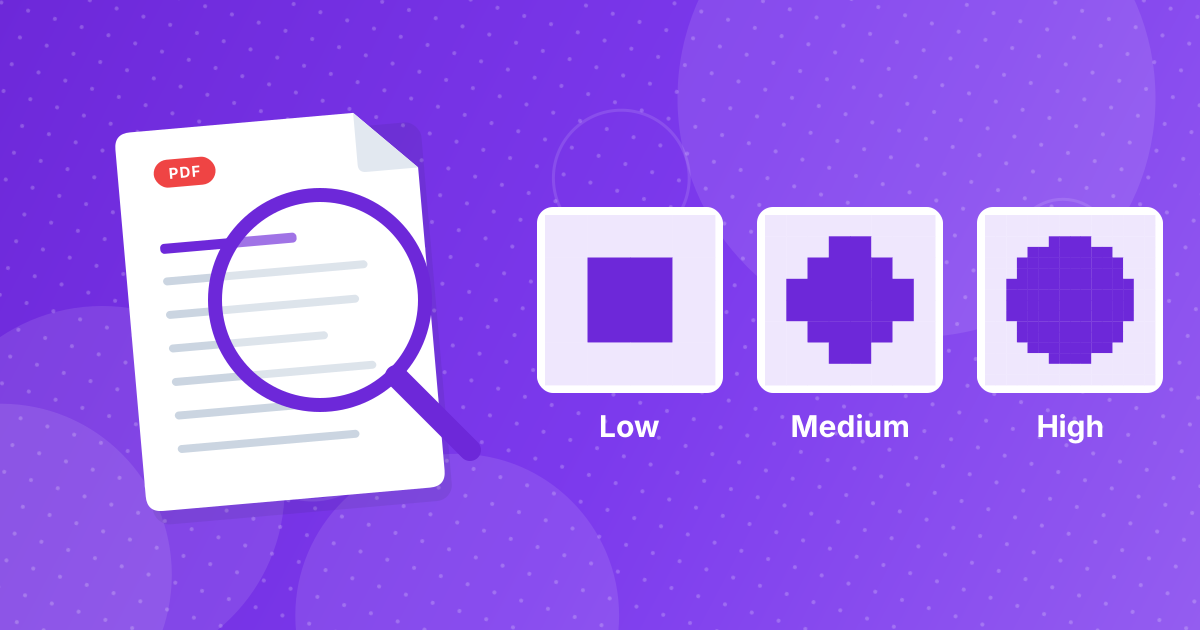
The Image Compressor has two choices: a quality level and an output format. Low saves at 55 percent, medium at 72 and high at 88. The output is either JPG, which opens everywhere, or WebP, which is smaller and can keep transparency.
This guide explains what each combination gives you.
On this page
Key takeaways
- Quality is a trade: lower values give smaller files and more visible compression.
- Medium (72 percent) is a good default for web and email.
- WebP is usually smaller than JPG at the same quality and keeps transparent areas.
- No setting restores detail that is already gone.
What the three levels mean
JPG and WebP compress by simplifying small blocks of the picture. A lower quality value simplifies more. The effects build gradually, from invisible to blocky, so the right level depends on what you are saving.
| Level | Value | What you notice |
|---|---|---|
| High | 88 percent | Hard to tell from the original; moderate savings |
| Medium | 72 percent | Fine at normal size; clear savings |
| Low | 55 percent | Visible softness and blocks when zoomed; smallest files |
JPG or WebP output
| JPG | WebP | |
|---|---|---|
| File size at the same quality | Larger | Smaller, often by a quarter or more |
| Transparency | No, becomes white | Kept |
| Compatibility | Everything | All current browsers; older software may not open it |
| Best for | Email, documents, older programs | Websites and modern apps |
If you are not sure that the destination reads WebP, choose JPG. For websites, WebP is usually the better choice; see WebP vs JPG for websites.
How the content changes the result
- Photos compress very well. Medium is usually indistinguishable at normal size.
- Screenshots and text show speckles at low quality. Use high, or keep PNG.
- Gradients and skies can show banding at low quality.
- Flat-color graphics may not shrink at all as JPG. Consider PNG to WebP.
A sensible workflow
- Resize to the display size with Resize Image. This saves more than any quality setting.
- Compress at medium in the format your destination accepts.
- Open the result at 100 percent zoom. If edges look rough, repeat from the original at high.
- If it is still too large, drop to low or choose WebP.
Related guides
The steps are in how to compress an image. If you need to hit a specific limit, read images for email and upload limits.
Examples of what to choose
| Job | Quality | Format |
|---|---|---|
| Photos for a blog | Medium | WebP if supported, otherwise JPG |
| Product images for a shop | High | JPG or WebP |
| Email attachments | Medium | JPG |
| Thumbnails and previews | Low | WebP |
| Screenshots with text | High | JPG, or keep the PNG |
| Logo with transparency | High | WebP |
Compression quality: FAQ
What quality does the medium setting use?
72 percent. Low is 55 and high is 88.
Is WebP better than JPG for compression?
Usually yes: smaller files at similar quality, plus transparency.
Can compression be lossless here?
No. Both outputs are lossy. Keep the original for a lossless copy.
What is the best setting for photos?
Medium, then check the result. Use high for pictures you will enlarge.
What is the best setting for text screenshots?
High, or keep the PNG.
Why did my PNG not shrink?
Flat graphics are already efficient as PNG. Try WebP or leave it.
Does compressing change width and height?
No.
Can I recover quality after compressing?
No. Start again from the original.
Why are there only three levels?
They cover the common cases: low for smallest files, medium for general use and high for detail. Compare the result and try another level if needed.
Will WebP files open on my phone?
Current phones and browsers open them. Older software may not, so choose JPG for sharing with unknown recipients.
Medium first, adjust by eye
Resize, compress at medium and inspect. Move up or down one level if needed.