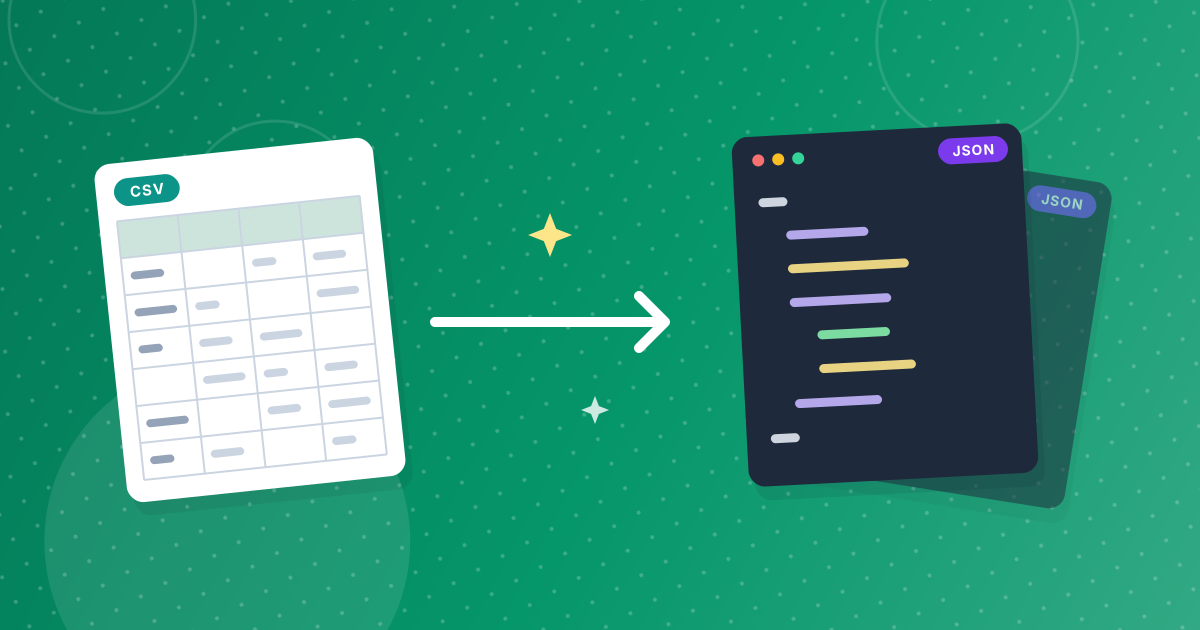
To convert CSV to JSON, add your file to the CSV to JSON converter and download the .json file it creates. The first row of the CSV becomes the keys, every following row becomes one object, and the result is a JSON array you can load straight into JavaScript, Python or an API.
Below you will find the three steps, a real before-and-after example, and the rules the converter follows for numbers, empty cells and unusual headers, so you know what your code will receive.
On this page
Key takeaways
- Each CSV row becomes one JSON object, and the header row supplies the keys.
- Plain numbers and true/false become JSON numbers and booleans; codes with leading zeros stay strings.
- Empty cells become null, so every object has the same keys.
- The conversion runs in your browser, so the data is not uploaded anywhere.
Steps shown in the video
- Click Choose CSV Files and select your CSV file
- Your file is listed with its size
- Click Convert to JSON
- Download your .json file
How to convert CSV to JSON in three steps
- 1
Add your CSV file. Open the CSV to JSON tool and drag in a .csv or .tsv file. You can add several files at once.
- 2
Convert. Click Convert. The tool detects whether the file uses commas, semicolons, tabs or pipes, reads quoted values correctly and turns each row into an object.
- 3
Download the JSON. Save the .json file. It is indented with two spaces, so it is easy to read and review before you use it.
What does the JSON output look like?
The output is an array of objects. Each object has the same keys, in the same order as the CSV columns. Here is a small product export and the JSON it produces.
sku,name,price,in_stock,barcode
A-100,Desk lamp,24.9,true,0123456789
A-101,"Cable, 2 m",7,false,[
{
"sku": "A-100",
"name": "Desk lamp",
"price": 24.9,
"in_stock": true,
"barcode": "0123456789"
},
{
"sku": "A-101",
"name": "Cable, 2 m",
"price": 7,
"in_stock": false,
"barcode": null
}
]Notice three details. The price became a number you can calculate with. The barcode stayed a string because it starts with a zero. And the missing barcode in the second row became null instead of disappearing.
How are values converted?
| CSV value | JSON value | Why |
|---|---|---|
| 42 or 19.99 | 42 or 19.99 (number) | Plain numbers are safe to convert |
| true, FALSE | true, false (boolean) | Recognised boolean words |
| 007 | "007" (string) | A number would lose the zeros |
| 4111111111111111 | "4111111111111111" (string) | Over 15 digits would lose precision |
| 2026-10-09 | "2026-10-09" (string) | JSON has no date type |
| (empty) | null | Keeps every object's keys consistent |
For the full set of rules, including duplicate and blank headers, read how CSV headers, numbers and empty cells become JSON.
How to use the JSON in your code
Because the output is standard JSON as defined in RFC 8259, every language can read it with its built-in parser.
const products = await fetch("/products.json").then((r) => r.json());
const inStock = products.filter((p) => p.in_stock);import json
with open("products.json", encoding="utf-8") as f:
products = json.load(f)
total = sum(p["price"] for p in products)Prepare your CSV for a clean result
- Put the column names in the first row. They become the JSON keys.
- Use short, code-friendly names such as unit_price instead of Unit Price (€).
- Save the file as UTF-8 so accented text converts correctly.
- Remove summary rows such as totals at the bottom; they would become objects too.
- Check that every row has the same number of columns.
Starting from an Excel workbook rather than a CSV? Use Excel to JSON, which reads .xlsx files directly and handles several sheets.
CSV to JSON: frequently asked questions
How do I convert CSV to JSON?
Add the CSV file to the CSV to JSON converter, click Convert and download the .json file. The first row becomes the keys and each other row becomes an object.
Does the converter keep numbers as numbers?
Yes, for plain numbers. Values with leading zeros or more than 15 digits stay strings so no digits are lost.
What happens to empty cells?
They become null, so every object in the array has the same set of keys.
Can I convert a semicolon or tab-separated file?
Yes. Commas, semicolons, tabs and pipes are detected automatically, and .tsv files are accepted.
Is my CSV uploaded to a server?
No. The file is converted in your browser and never leaves your device.
From spreadsheet to code in a minute
Converting CSV to JSON gives your code typed, consistent records instead of raw text. Prepare the header row, convert, check a couple of objects, and the data is ready for your app or API.