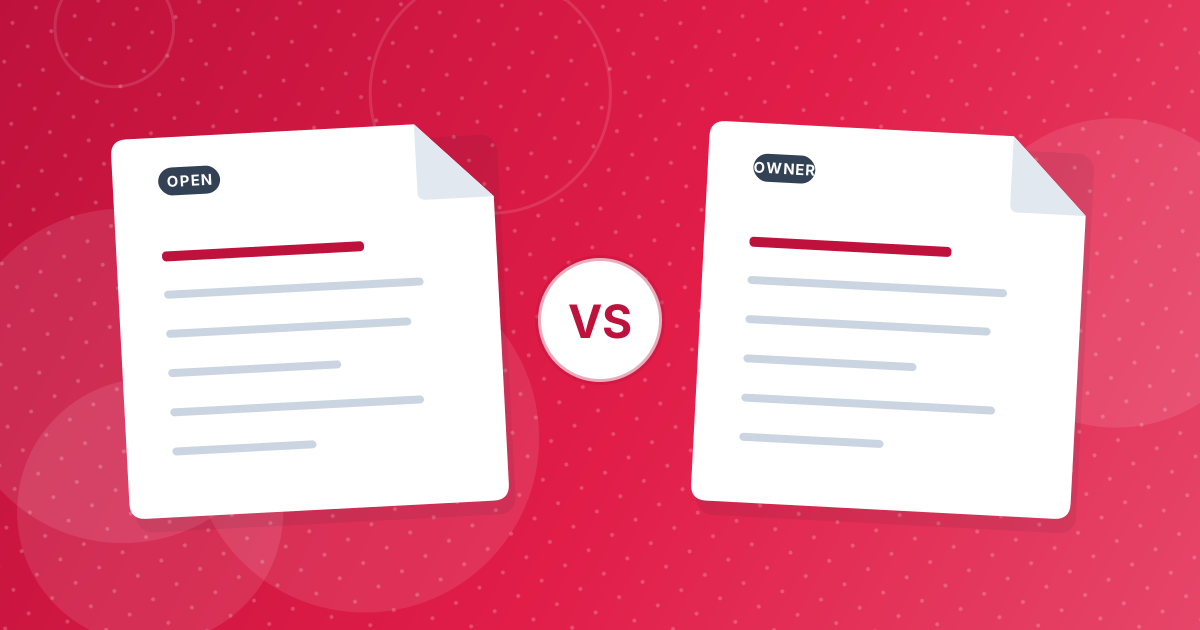
A PDF can have two passwords. The user password, also called the open password, is required to view the file. The owner password controls restrictions, such as whether you may print, copy text or edit. A file can have either, both or neither.
Which one you have decides how unlocking works.
On this page
Key takeaways
- A document with an open password stays unreadable until the correct password is given.
- A document with only restrictions opens normally but limits some actions.
- Unlock PDF needs the open password in the first case, and often no password in the second.
- Unlocking never guesses a password.
The two passwords compared
| Open (user) password | Owner (permissions) password | |
|---|---|---|
| Asked when | You open the file | You try to change restrictions |
| Protects | The content itself | Printing, copying, editing settings |
| Without it | The file will not open | The file opens with limits |
| Typical sign | A password prompt on opening | Greyed-out print or copy buttons |
| Unlock PDF needs | The open password | Usually nothing |
Which do you have?
- Open the PDF in a viewer.
- If it asks for a password immediately, you have an open password.
- If it opens but the print or copy functions are disabled, or the title bar says secured, you have permission restrictions.
Unlocking an open password
The content is encrypted, so it cannot be read without the right password. Enter it in Unlock PDF and you receive a copy with the encryption removed. A wrong password produces an error message and no file.
Unlocking permission restrictions
Because a restricted file opens without a password, the document is already readable by anyone, and the restrictions depend on software choosing to respect them. Unlock PDF can produce a copy with the restrictions removed. Leave the password empty. If the file turns out to have an open password as well, you will get an incorrect password message.
Setting them yourself
Protect PDF sets an open password you choose. If you also untick printing, copying or editing, it adds restrictions with a separate random owner password. The reasoning is covered in PDF permissions explained. For the standard steps to remove a password, read how to unlock a PDF.
Real-life examples
- A bank statement that asks for your date of birth has an open password.
- A form from a government site that you can read but not copy has permission restrictions.
- A company price list you can open and print but not edit has an owner password.
- An HR document sent by email with a code in a separate message usually has an open password.
Only the first and last examples keep the content secret. The middle two rely on software agreeing to follow the restrictions.
PDF passwords: FAQ
What is the difference between a user and an owner password?
The user password opens the file, and the owner password controls restrictions on printing, copying and editing.
Why can I open my PDF but not print it?
It has permission restrictions without an open password.
Can Unlock PDF remove restrictions without a password?
Often yes, with the password field left empty.
What if the PDF asks for a password to open?
You need that password. The tool cannot bypass it.
Are restrictions secure?
They are advisory, since the document can already be read.
Can a file have both passwords?
Yes. Then the open password is needed first.
Does unlocking change the pages?
No. Only the protection is removed.
How do I know if my PDF is restricted?
Open document properties in your viewer and look at the security tab.
Know which lock you have
An open password needs the password. Restrictions often do not. In both cases, only unlock what is yours to unlock.