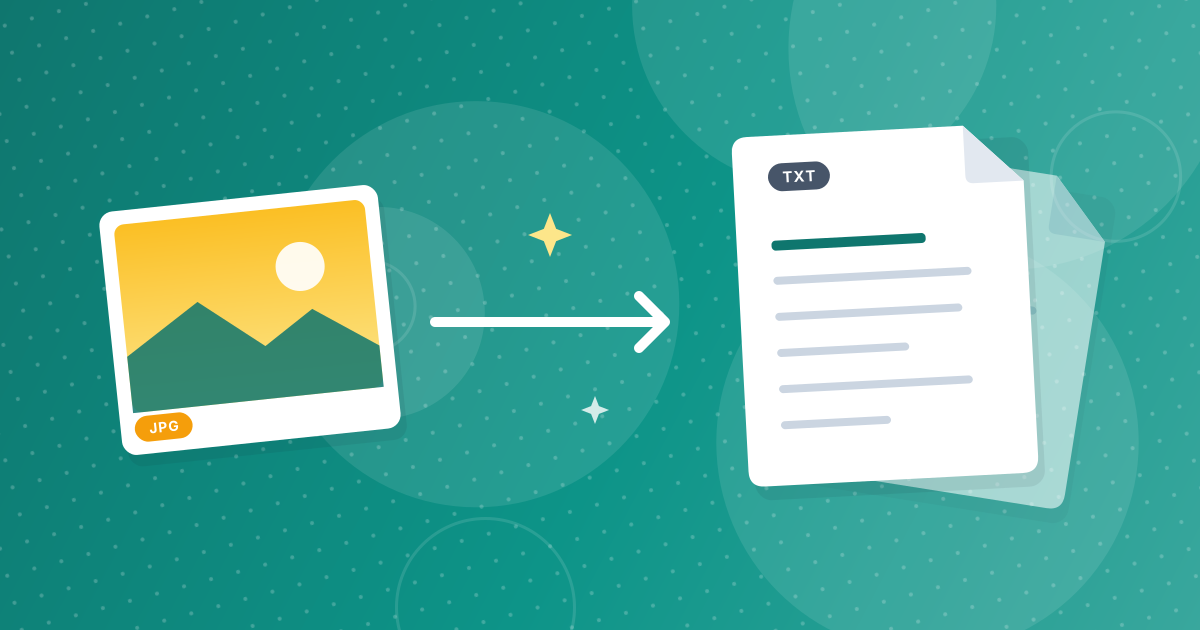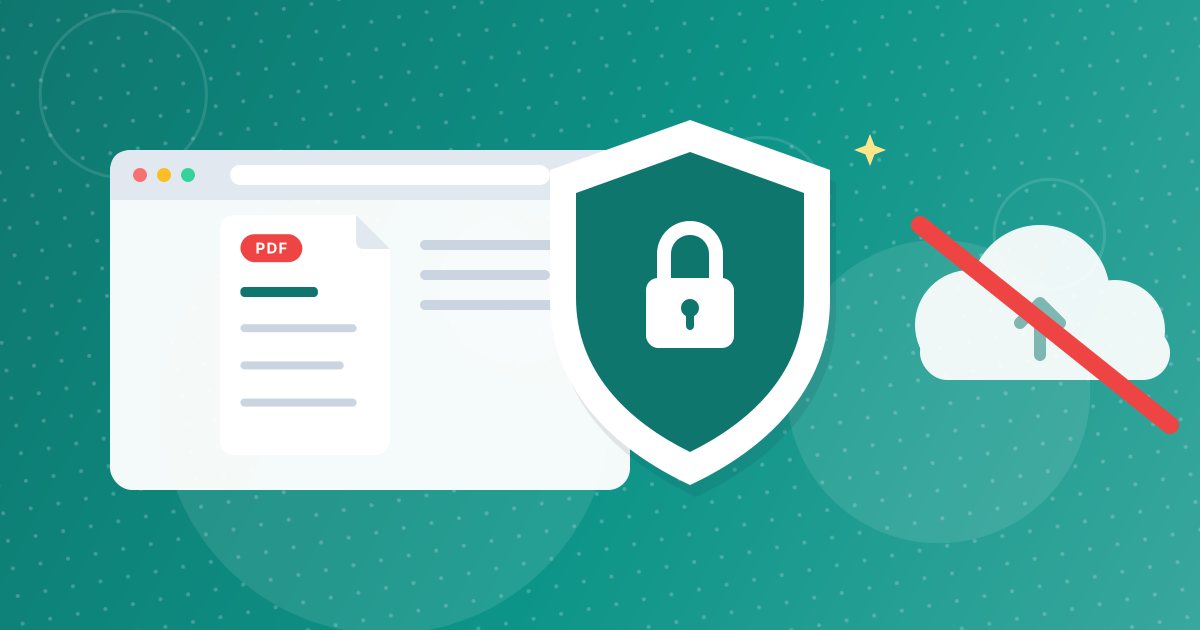
Most LetsConvert tools process your files entirely inside your browser. Image to Text is different. Reading text from a picture needs recognition software that does not run in the page, so your file is sent to the OCR.space service, which reads it and returns the text.
The tool says this on the page, and this article explains what it means in practice.
On this page
Key takeaways
- The file is sent through this site's server to OCR.space and the text is returned to you.
- It is not stored on our servers.
- The service key stays on the server and never reaches your browser.
- For documents you would not email to a stranger, choose a method that stays on your device.
What happens when you click extract
- Your browser sends the file, along with the language you chose, to this site's server.
- The server checks the file type and size, then passes it to the OCR.space service with its own access key.
- OCR.space reads the text and replies.
- The server returns the text to your browser, which displays it. The site does not keep a copy of your file.
Before sending, images larger than about 1 MB are scaled down inside your browser to fit the service's limit.
How this differs from other tools on the site
| Tool | Where your file is processed |
|---|---|
| Image to Text | Sent to an OCR service, text returned |
| PDF to Text, PDF to Word, PDF to Excel | In your browser |
| Image converters, compressors and editors | In your browser |
| QR Code Generator | In your browser |
Limits that protect the service
- File size: about 1 MB per file.
- Types: JPG, PNG, WebP, GIF, BMP, TIFF and PDF.
- Rate: a handful of requests per minute from one connection, after which you are asked to wait.
When to choose something else
Choose a method that stays on your device for passports, medical records, contracts, bank documents and anything covered by a confidentiality agreement. If the PDF already contains real text, PDF to Text and PDF to Word read it locally without any recognition service.
Good uses of Image to Text
It is a good fit for screenshots, public signs, book passages, slides, and everyday paper that holds nothing sensitive. See how to extract text from an image for the steps.
A quick way to decide
| Material | Suggested route |
|---|---|
| Screenshot of a public web page | Image to Text is fine |
| Photo of a menu, sign or book page | Image to Text is fine |
| Your own handwritten notes | Type them, since OCR is unreliable on handwriting |
| Passport, ID card or medical record | Do not send it; type the details you need |
| Contract with confidential terms | Use a PDF with real text and PDF to Text, or ask for a text version |
| Bank statement | Download the digital PDF and use PDF to Excel, which stays on your device |
When in doubt, treat the file as something you would be comfortable emailing to an outside service, and choose another method if you would not.
Image to Text privacy: FAQ
Is my file uploaded when I use Image to Text?
Yes. It is sent to the OCR.space service for recognition.
Does LetsConvert keep my file?
No. The file is not stored on our servers.
Do other LetsConvert tools work the same way?
No. Most tools process files inside your browser.
Can the tool work offline?
No. It needs a connection to reach the recognition service.
What should I avoid sending?
Documents with sensitive personal, financial or confidential information.
Is there a way to read a PDF without sending it?
If the PDF has real text, PDF to Text reads it in your browser.
Why is there a size limit?
The recognition service limits the size of each file it accepts.
Can I send just part of an image?
Yes. Crop the image first, and only the cropped part is sent.
Know where your file goes
Use Image to Text for everyday material, and use local tools or manual typing for anything sensitive.