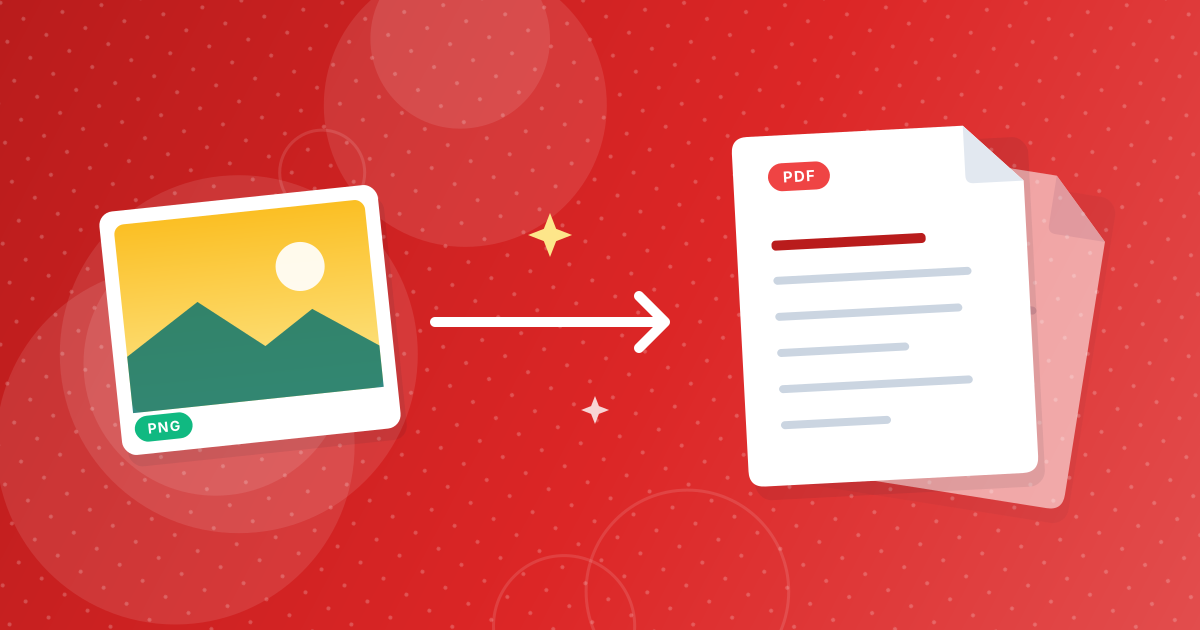
To convert a PNG to PDF, open the PNG to PDF converter, add your images, put them in the order you want and click convert. Every image becomes one page of a single PDF that you download straight away.
The conversion runs in your browser, so the images are never uploaded. It works for one screenshot or for a pile of fifty.
On this page
Key takeaways
- Each PNG becomes its own page, and all pages are saved in one PDF.
- The page order follows the list, and you can move images up or down before converting.
- Pages are A4 portrait, with each image scaled to fit and centered without being stretched or cropped.
- PNG images stay lossless inside the PDF, so screenshots and text stay sharp.
Steps shown in the video
- Click Choose Files and select your PNG images
- Each file is listed with a preview and its size
- Click Convert to PDF
- Download one PDF, one image per page
How to convert PNG to PDF in three steps
- 1
Add your PNG files. Open the PNG to PDF tool and drag the images in, or click the upload area to pick them from your device.
- 2
Set the page order. The first file in the list becomes page 1. Use the arrows to move a file up or down, or remove one you added by mistake.
- 3
Convert and download. Click the convert button and save the PDF. Open it once to check that the pages are in the right order.
What the finished PDF looks like
Each image gets a page of its own. The page is A4 in portrait orientation, and the picture is scaled to the largest size that fits without changing its proportions. It is centered, so any leftover space appears as an even white border.
| Image shape | Example | Result on the A4 page |
|---|---|---|
| Portrait, A4-like | A scanned letter | Fills almost the whole page |
| Tall and narrow | A phone screenshot | Full height, white bands left and right |
| Landscape | A desktop screenshot | Full width, white bands above and below |
| Square | An app icon or chart | Full width, centered, white above and below |
If the white space bothers you, the guide to PNG to PDF page size and margins explains how to get images to fill more of the page.
Getting the page order right
Files are listed in the order you add them, and that order becomes the page order. If you select a whole folder, the browser usually hands the files over alphabetically, so names like page-1.png, page-2.png and page-10.png can end up as 1, 10, 2. Rename with leading zeros (page-01, page-02, page-10) or reorder in the list before converting.
Will the quality drop?
PNG is a lossless format, and the tool embeds PNG images as PNG, so no detail is thrown away. Text in screenshots stays crisp when you zoom in. The trade-off is file size: PDFs made from PNGs are larger than PDFs made from JPG photos. If yours is too big, read how to shrink a PNG to PDF file.
Common reasons to turn PNGs into a PDF
- Screenshots in a report: put a series of screenshots into one file you can email or attach to a ticket.
- Scans saved as PNG: combine the pages of a scanned form or contract into a single document.
- Receipts and invoices: one PDF per month is easier to file than twenty images.
- Designs and mockups: share several artboards exported as PNG as one reviewable document.
- Forms that only accept PDF: many portals reject image files but accept a PDF.
What to do with the PDF afterwards
The PDF contains pictures, so the text inside the screenshots cannot be selected or searched. To pull the words out, run the PNGs through Image to Text. To combine this PDF with other documents, use Merge PDF. If you start from photos rather than PNGs, JPG to PDF works the same way.
PNG to PDF: FAQ
How do I convert a PNG to a PDF?
Add the PNG to the PNG to PDF tool, click convert and download the PDF. For several images, set their order first and they all go into one PDF.
Can I put multiple PNG files into one PDF?
Yes. Each image becomes one page, and the pages follow the order of the list.
What page size does the PDF use?
A4 portrait. Images are scaled to fit the page and centered, with proportions unchanged.
Are my PNG files uploaded to a server?
No. The PDF is built in your browser, and the images stay on your device.
Does converting PNG to PDF reduce quality?
No. PNG images are embedded losslessly, so screenshots and text stay sharp.
Why are there white borders around my image?
The image is scaled to fit an A4 portrait page without distortion, so a landscape or square image leaves space above and below.
What happens to transparent areas in a PNG?
They show the white page behind the image.
Can I change the order of the pages?
Yes. Use the up and down arrows next to each file before you convert.
Can I convert PNG to PDF on my phone?
Yes. The tool works in any modern mobile browser, and the finished PDF downloads to your device.
Is there a limit on the number of images?
There is no fixed limit in the tool. Very large batches depend on your device memory, so split a long set into two PDFs if the browser slows down.
From images to one document
Add the PNGs, put them in order and download the PDF. Each image gets its own page, nothing is uploaded and nothing is compressed away.